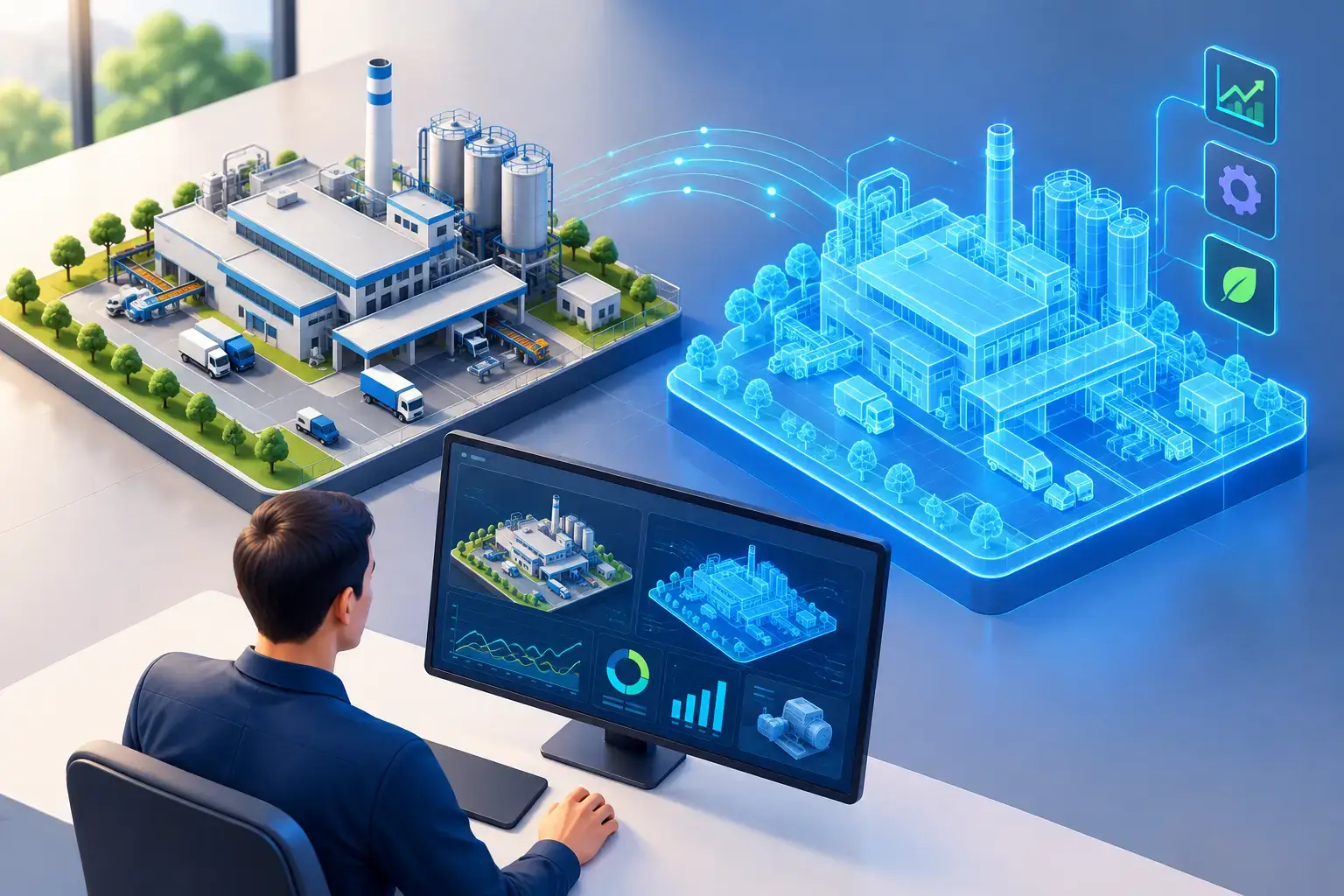
A product team can spend months engineering a complex machine and still struggle to explain how it works to a buyer, installer, or internal stakeholder. That communication gap is where a well-planned digital twin case study becomes valuable. It shows how accurate 3D production can turn technical source data into an operational visual asset – one that supports faster approvals, clearer marketing, and more confident project decisions.
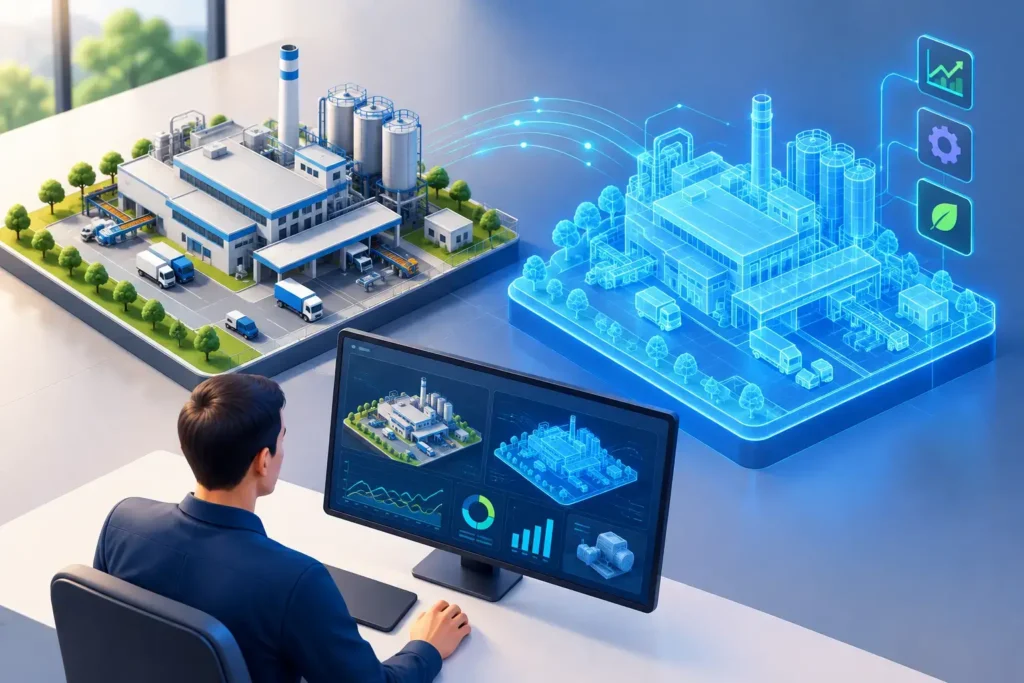
For companies managing industrial equipment, built environments, medical devices, or large product systems, a digital twin is not simply a polished animation. It is a visual representation connected to the right product information, configuration logic, or operating context. The result can help different teams see the same asset from the perspective that matters to their work.
Why a Digital Twin Case Study Matters
Business buyers rarely invest in a digital twin because they want another 3D file. They invest because existing information is hard to use. CAD assemblies may be technically correct but difficult for non-engineers to review. Static renderings may look impressive but cannot show access points, movement, internal components, or alternate configurations. Physical prototypes are valuable, but expensive to revise and difficult to share across distributed teams.
A digital twin closes part of that gap when it is designed around a specific decision or communication need. It can show how a product fits into a facility, how a mechanism operates, what changes between configurations, or where service teams need access. It gives marketing and sales teams visual material grounded in technical reality rather than generic concept art.
The strongest case studies also make the boundaries clear. A high-fidelity 3D model is not automatically a full operational twin. If the asset must reflect live sensor feeds, maintenance history, or real-time performance, it needs a defined data integration strategy. For a product launch or stakeholder review, a static or simulation-ready visual twin may be the better, faster, and more cost-effective choice.
Digital Twin Case Study: A Packaging Line Launch
Consider a representative scenario involving a manufacturer of modular packaging equipment. The company is preparing to introduce a new automated line with multiple conveyor layouts, robotic pick-and-place modules, safety enclosures, and optional inspection systems. Its engineering team has detailed CAD files, but the commercial team needs materials that make the line understandable before it is installed at a customer site.
The challenge is not a lack of data. It is too much specialized data in formats that are not useful for every audience. Sales teams need a concise product story. Prospective buyers need to see the machine within a realistic production environment. Operations leaders need to understand footprint, access, and workflow. The manufacturer also wants a reusable asset rather than a one-time launch video.
The production objective
The project begins by defining the decisions the twin must support. In this case, the priorities are configuration review, product marketing, sales presentations, and installation planning. That focus prevents the project from becoming an open-ended visualization exercise.
The 3D production team receives CAD assemblies, component references, brand guidelines, and layout documentation. Engineers identify parts that must remain dimensionally accurate, while the marketing team identifies the product features that need visual emphasis. This early alignment matters because visual simplification can improve clarity, but it must never distort a critical technical function.
Turning engineering files into usable visuals
Raw CAD data is usually not ready for animation, real-time viewing, or high-end rendering. Assemblies often contain far more geometry than a visual workflow requires, including hidden fasteners, internal structures, and manufacturing details that do not affect the viewer’s understanding.
The first production step is CAD cleanup and optimization. Models are organized, unnecessary geometry is reduced, naming is standardized, and moving components are prepared for animation. Materials are then built to match the physical product, from powder-coated steel and clear guarding to belts, sensors, and control panels.
Next, the equipment is placed in a modeled facility environment. This context is not decorative. It helps viewers understand scale, material flow, operator access, and the relationship between the line and surrounding equipment. Camera paths are planned around the questions buyers actually ask: Where does product enter? How does the system handle a changeover? Which modules are optional? How much space does the line require?
Building a reusable twin asset
Instead of producing one linear video and stopping there, the project creates a modular visual library. Individual machine modules, camera views, material variants, and animated sequences are organized so they can be reused across presentations, web content, trade show displays, and customer-specific proposals.
For example, a sales team can present the base packaging line to one buyer, then show a version with an added inspection module to another. The marketing department can use the same approved 3D assets for still renderings, product explainer animations, and close-up feature callouts. Engineering can use selected views to support nontechnical stakeholder reviews.
This is where outsourced 3D support can create measurable operational value. A capable external team can convert technical source material into a structured production asset without forcing a manufacturer to recruit, train, and manage an in-house visualization department for fluctuating demand.
What Changed for the Business
The immediate outcome is clearer communication. Instead of explaining a complex production line through drawings and isolated photographs, the manufacturer can show the full system operating in context. Stakeholders can review the sequence, identify questions earlier, and see configuration differences without waiting for a physical installation.
The longer-term value comes from consistency and reuse. Once the core asset has been built correctly, new deliverables require less effort than starting from scratch. A revised enclosure, new colorway, additional module, or alternative layout can be incorporated into an established visual pipeline.
That does not mean every revision is inexpensive or automatic. Changes to core mechanical design, motion logic, or data connections still require careful production work. The value lies in having an organized asset base, documented standards, and a team that understands the product well enough to update it accurately.
Where Digital Twin Projects Can Go Wrong
A digital twin project can lose momentum when its purpose remains vague. Asking for an interactive twin, a sales animation, a virtual training tool, and a live operational dashboard in one undefined scope often leads to delays, conflicting requirements, and budget pressure.
Another common issue is treating visual accuracy as separate from technical accuracy. A beautiful image may still create problems if a key assembly is incorrect, clearances are misleading, or motion is physically implausible. Engineering review checkpoints should be built into the workflow, especially for regulated, medical, architectural, and industrial applications.
Data readiness also deserves attention. If the goal includes live operational behavior, determine early which data sources exist, who owns them, how often they update, and what security rules apply. For many launch, sales, and design-review projects, real-time data is unnecessary. A highly accurate visual twin with scripted scenarios can deliver the right business result at a lower level of complexity.
Choosing the Right Production Partner
The best production partner is not only an animation vendor. They should be able to interpret CAD data, manage technical review cycles, optimize assets for the intended platform, and produce visuals that serve a commercial objective. That requires both visual craft and production discipline.
Before commissioning work, define the target viewers, the required level of fidelity, the source files available, and the intended deliverables. Confirm how feedback will be managed, who approves technical accuracy, and whether the asset must support future updates. These details shape the timeline, cost, and final usefulness of the twin.
A specialized outsourced team such as 3D Modeling Animation Studio can bring modeling, environment creation, animation, rendering, and post-production into one managed workflow. That approach is particularly useful when internal teams need extra production capacity without losing control of product accuracy or brand presentation.
The most useful digital twin is the one that makes the next decision easier. Start with the conversation your audience needs to have, then build the visual system that lets them have it with clarity.