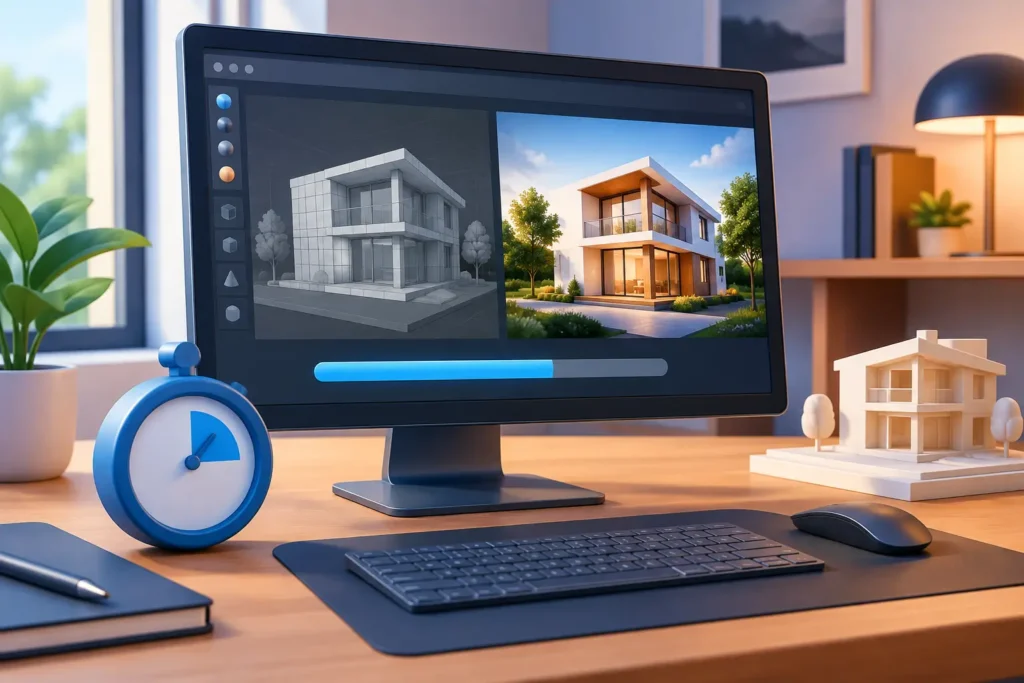
A single high-resolution product image may render in minutes. A photoreal architectural animation can require days of processing across a render farm. So, how long does rendering take? The honest answer is that it depends on the scene, the required output, the hardware available, and how efficiently the production is planned before rendering begins.
For businesses working against launch dates, client approvals, or broadcast delivery schedules, render time is not a technical footnote. It directly affects project cost, revision capacity, and the reliability of the final delivery plan. A strong 3D production partner estimates rendering early, tests critical shots, and builds enough margin for changes without compromising visual quality.
How Long Does Rendering Take in 3D Production?
Rendering can take anywhere from a few seconds per image to several hours per frame. The range is wide because a render is the final calculation of every visible element in a 3D scene: geometry, materials, lighting, shadows, reflections, camera effects, motion blur, and more.
For still imagery, a clean product render at web resolution may take 5 to 30 minutes. A detailed 4K product visualization with transparent materials, complex reflections, and studio lighting may take one to several hours per image. Architectural exterior renders often take 30 minutes to several hours, particularly when they include dense landscaping, interiors visible through windows, realistic weather, or high-resolution output for print.
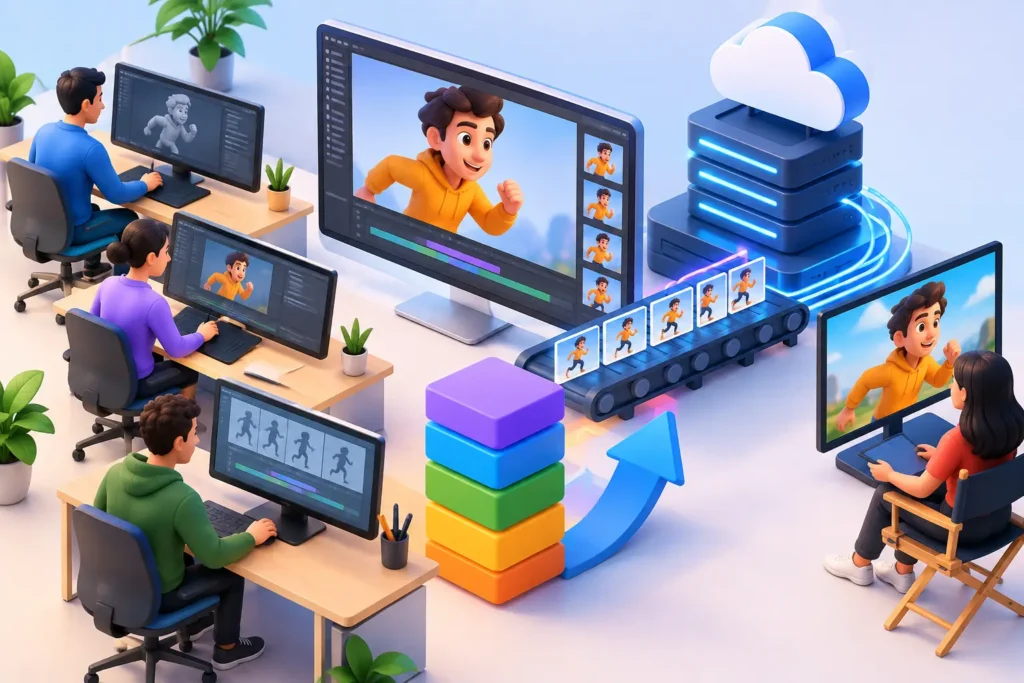
Animation changes the equation. A 30-second video at 30 frames per second contains 900 individual frames. If each frame takes 10 minutes to render, the raw render workload is 150 hours on a single machine. With multiple machines working simultaneously, that timeline can shrink substantially, but the processing demand remains the same.
This is why professional estimates should address both render time per frame and total production time. Rendering is only one stage. Modeling, texturing, lighting, animation, compositing, review rounds, and file delivery must all fit within the project schedule.
What Has the Biggest Impact on Render Time?
The heaviest scenes are not always the ones with the most objects. A simple object made of glass and chrome can take longer to render than a larger scene with basic matte materials. The renderer must calculate how light passes through, reflects from, and refracts within those surfaces.
Resolution and Output Requirements
Higher resolution means more pixels for the software to calculate. A 4K image contains four times as many pixels as a 1080p image, so it generally requires far more processing time. Large-format print renders, billboard visuals, and ultra-high-definition close-ups should be planned carefully because resolution can quickly become a schedule driver.
Output also matters beyond pixel dimensions. A single flattened image is faster to prepare than a multi-layer file with render passes for reflections, shadows, ambient occlusion, depth, and object masks. Those passes give post-production teams more control, but they require additional setup, storage, and processing.
Scene Complexity and Geometry
Highly detailed models increase the amount of information the renderer must process. Complex product assemblies, detailed interiors, crowds, vegetation, fabric, hair, and scanned environments can all add significant overhead.
A scene with thousands of individual leaves, for example, may look convincing but can slow rendering dramatically if it is not optimized. Production teams often use instancing, proxy geometry, level-of-detail models, and carefully managed texture sizes to preserve visual realism without carrying unnecessary data through every frame.
Lighting, Materials, and Effects
Realistic lighting is one of the main reasons modern 3D work looks so convincing. It is also one of the largest contributors to render time. Global illumination, soft shadows, reflections, translucent materials, caustics, volumetric fog, smoke, and depth of field each add calculations.
Product marketing often demands close-up accuracy in finishes such as brushed metal, coated plastic, glass, liquid, and fabric. Medical animation may require transparent layers, fluids, cells, or internal anatomy. These details are commercially valuable, but they need deliberate technical decisions to keep the project within budget and schedule.
Animation and Motion Blur
A still image can sometimes tolerate a longer render because only one frame is needed. Animation requires that quality across every frame, with visual consistency from beginning to end. Motion blur, fast camera moves, simulations, character hair, cloth, and particle effects can increase render time substantially.
Simulations deserve special attention. Fire, smoke, water, destruction, and soft-body motion often require caching before the scene is rendered. If a simulation changes late in production, the team may need to re-cache and re-render affected shots. This is a key reason to approve animation direction and shot timing before moving to final-quality renders.
Typical Rendering Timelines by Project Type
A straightforward e-commerce product image may be completed in a day or two once the model, materials, and camera direction are approved. A set of polished product images can take several days, especially when multiple colors, angles, or configurations are required.
Architectural stills commonly take several days to a few weeks from scene setup through final delivery. The actual rendering may take hours or overnight, but design revisions, asset coordination, lighting development, and stakeholder feedback usually account for more of the overall timeline.
A short product animation can take one to three weeks depending on complexity. A character-led animation, medical explainer, or visual-effects sequence may require several weeks or months because the work includes rigging, motion development, simulation, lighting, rendering, and compositing. Film and television schedules can extend further when shots require complex effects or numerous revision rounds.
The most reliable timeline is based on a tested scene rather than a broad assumption. A representative frame or short shot can be rendered early at near-final settings to establish a practical benchmark. That test reveals whether the planned look is achievable within the available render capacity.
How to Reduce Render Time Without Reducing Quality
Fast rendering should not mean settling for flat lighting, low-quality textures, or visibly simplified results. The goal is to remove waste, not visual impact.
The first opportunity is pre-production clarity. When camera angles, product versions, materials, and messaging are approved early, the team avoids rendering work that will later be discarded. Clear reference materials and consolidated feedback also prevent expensive late-stage changes.
Technical optimization comes next. Experienced artists reduce unnecessary polygon density, use efficient texture maps, remove hidden scene elements, optimize lighting samples, and select render settings based on the needs of each shot. A distant building does not require the same geometry detail as a hero product in a macro close-up.
Compositing can also be more efficient than rendering every effect in 3D. Certain glows, color adjustments, lens effects, and atmospheric details can be added during post-production, where they are faster to revise. This approach must be used carefully, however. Effects that interact strongly with scene lighting or objects may still need to be rendered physically for a credible result.
Finally, render farms and distributed computing can shorten delivery time by splitting frames or stills across multiple machines. This is especially valuable for animation, where hundreds or thousands of frames can be processed in parallel. More render capacity does not fix an unoptimized scene, but it gives production teams the flexibility to meet demanding deadlines after the scene is properly prepared.
Why Rendering Time Should Be Discussed Before Production Begins
Clients often ask for a final delivery date without realizing that a last-minute creative adjustment can trigger a large render workload. Changing a product label might be quick. Changing the camera angle, lighting direction, environment, or animation timing can affect every frame in a sequence.
An expert outsourced team makes these dependencies visible from the start. At 3D Modeling Animation Studio, production planning can align the creative target with the required resolution, shot count, revision process, and rendering resources. That makes timelines more predictable and helps clients decide where premium detail will create the most commercial value.
The best question is not simply how fast a render can run. It is whether the full production pipeline can deliver the right visual at the right quality level, with enough room to review and refine it. When rendering is planned as part of that larger process, speed becomes a controlled production advantage rather than a last-minute risk.