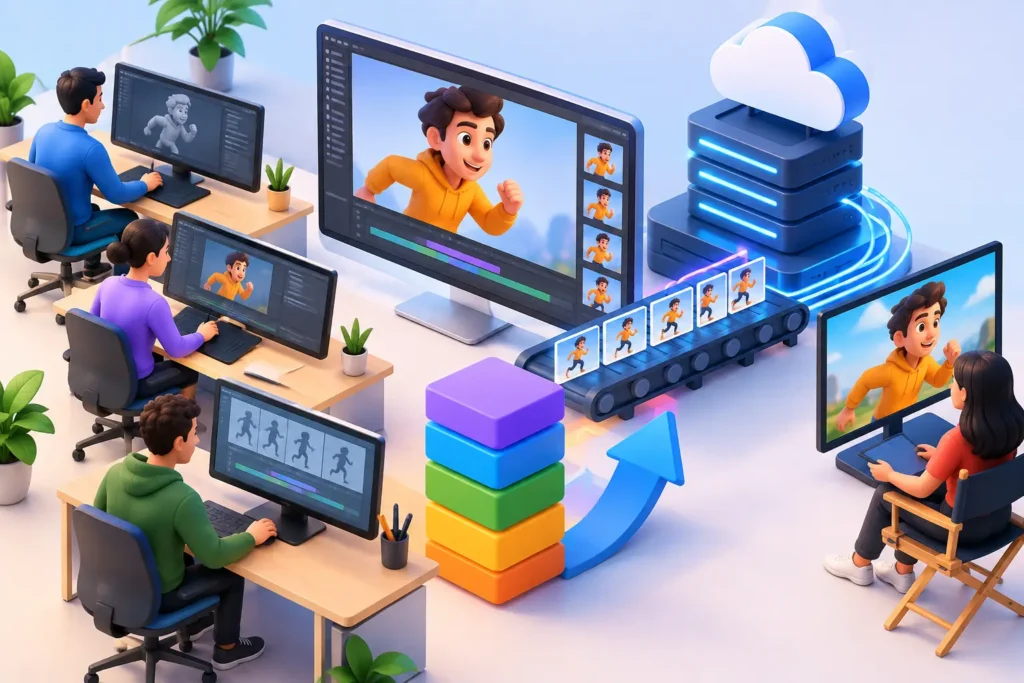
A delayed animation project rarely fails because of creativity. It usually fails because approvals drift, files get messy, scope expands quietly, or handoffs break between teams. That is why a clear 3d animation production workflow guide matters for brands, studios, and production teams that need strong visuals delivered on schedule, on budget, and at the right technical standard.
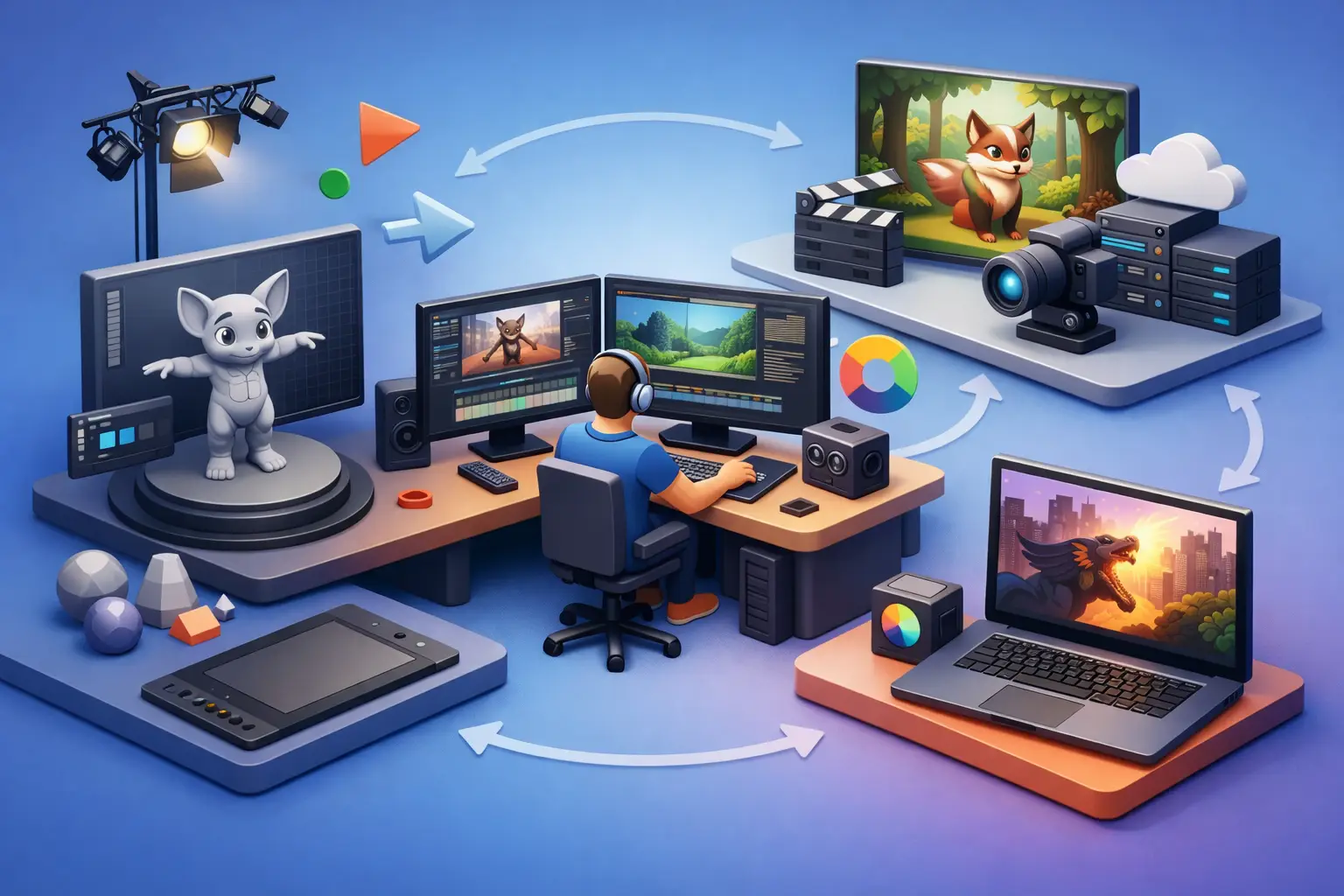
For outsourced production in particular, workflow is not a background detail. It is the system that protects timelines, controls revisions, and keeps quality consistent across modeling, rigging, animation, lighting, rendering, and post. When the process is structured correctly, clients get more than polished frames. They get predictability.
What a 3D animation production workflow guide should actually solve
A useful workflow is not just a list of stages. Most clients already know that animation moves from concept to final delivery. The real value lies in understanding what decisions happen at each stage, what inputs are required, and where risk typically appears.
Business buyers often enter a project with one of two problems. Either they have a clear visual objective but limited internal production capacity, or they have internal artists but need external support to hit deadlines. In both cases, workflow clarity reduces expensive friction. It answers practical questions early: what assets are needed, who approves what, how changes are tracked, and when a scene is stable enough to move forward.
That matters across industries. A product marketing animation needs controlled materials, brand-accurate lighting, and feature callouts. An architectural flythrough needs spatial accuracy and believable environment design. A medical animation may require technical validation before visual polish even begins. The stages may look similar, but the approval logic changes depending on the use case.
The core stages in the 3D animation production workflow guide
Discovery and project scoping
Every strong production starts with a technical and commercial definition of the job. This is where goals, audience, timeline, output format, references, and delivery requirements are aligned. If this step is rushed, downstream issues multiply fast.
At this point, the production team should clarify whether the project needs product visualization, character animation, environment modeling, motion graphics integration, VFX support, or photoreal rendering. It should also define practical constraints such as runtime, aspect ratio, resolution, file delivery specs, and review milestones.
This is also where scope discipline begins. If a client wants three product variants, four language versions, and both stills and animation, that needs to be documented early. Otherwise, teams end up treating major additions like minor revisions.
Concept development and pre-production
Once scope is approved, pre-production turns the idea into a plan. Depending on the project, this can include scripts, style frames, storyboards, animatics, shot lists, design references, and technical breakdowns.
This stage is often underestimated by buyers who want to move quickly into production. Speed matters, but skipping pre-production usually creates slower production later. A rough animatic that locks pacing and camera logic can prevent major animation revisions after weeks of work have already been invested.
For commercial projects, this is also where messaging alignment happens. If the animation is meant to explain a product feature, support a product launch, or present a design concept to investors, the visual structure needs to support that business goal. Attractive animation alone is not enough.
Asset creation: modeling, texturing, and look development
With approved direction in place, production moves into building the visual assets. This includes 3D modeling, UV mapping, texturing, shading, and look development. For environment-heavy projects, scene layout and prop creation also happen here.
Accuracy is critical. In product marketing, dimensions, finishes, labels, and materials need to reflect the real object. In architecture, surfaces, lighting behavior, and spatial relationships need to feel convincing. In entertainment workflows, style consistency matters as much as realism.
This stage benefits from approval gates. It is far more efficient to sign off on model geometry and material look before animation begins. Changes to shape or design late in the process can affect rigging, camera framing, lighting, and render settings.
Rigging and technical setup
If the project includes characters, mechanical movement, or articulated products, the assets need to be rigged. Rigging creates the control systems that allow animators to move objects efficiently and consistently.
This is one of the most technical parts of the pipeline, and it is often invisible to clients unless something goes wrong. A poorly built rig can slow animation, cause deformation problems, or limit the range of motion needed for key shots. A strong rig reduces friction and protects schedule.
Not every project needs extensive rigging. Some product animations rely more on direct object animation and camera motion. Some architectural sequences need none at all. The right setup depends on the intended movement and the complexity of the scene.
Animation and layout
Animation is where timing, movement, and visual storytelling start to take shape. Camera paths are refined, object actions are staged, character performances are built, and shot continuity is adjusted.
At this stage, review structure matters more than software choice. Clients should review motion in blocked or preview form before final polish. That gives room to correct pacing, composition, or emphasis without wasting render time.
For outsourced teams, this is also where communication discipline becomes essential. Feedback should be centralized, timestamped when possible, and prioritized. Vague comments such as “make it more dynamic” can be interpreted in several ways. Specific comments tied to business intent are far more useful, such as “hold two extra seconds on the exploded product view so the internal components read clearly.”
Lighting, rendering, and post-production
Once animation is approved, the focus shifts to final image quality. Lighting establishes mood, realism, and focal hierarchy. Rendering converts the 3D scene into final frames. Post-production brings those frames together with compositing, color correction, effects, editing, titles, and sound if required.
This stage is where production efficiency has a direct impact on budget. Heavy scenes, complex shaders, volumetrics, high-resolution output, and multiple revision rounds can increase render load quickly. That does not mean visual ambition should be reduced by default. It means the rendering strategy should match the project objective.
A campaign hero film may justify higher render complexity. A large product library with many variants may require a more controlled rendering approach to maintain speed and consistency across outputs.
Where animation workflows usually break
Most workflow failures are management issues disguised as creative issues. The storyboard was not final, but modeling started anyway. Product CAD changed after shading approval. Client feedback came from five stakeholders with no final decision-maker. The render team discovered too late that the output also needed vertical social edits.
These problems are common, but they are preventable. Good workflow management creates checkpoints before expensive labor is committed. It also creates accountability. Who owns approvals? What is included in each revision round? When is a stage considered locked? Those questions should never be left informal.
Outsourced production adds another layer. File organization, naming conventions, version control, and review cadence need to be handled with discipline. The advantage of outsourcing is scale and specialized execution. The trade-off is that unclear communication becomes more costly when teams are distributed. That is why experienced external partners place so much emphasis on process transparency.
How to evaluate a production partner using this workflow
If you are hiring an external team, ask how they manage handoffs between departments, how they structure approvals, and what they need from you at each phase. A capable studio should be able to explain its process in plain business terms, not just technical language.
Look for signs of operational maturity. That includes realistic scheduling, clear revision boundaries, proactive risk management, and the ability to adapt the pipeline to the job. A medical animation, a consumer product spot, and an architectural walkthrough should not all be treated with the exact same workflow.
This is where an experienced outsourced partner such as 3D Modeling Animation Studio can add real value. The benefit is not only access to artists. It is access to a production system built to support quality, speed, and consistency across different industries and asset types.
Why the right workflow protects both quality and ROI
A strong 3D pipeline does more than organize production. It protects the commercial value of the project. Better workflow means fewer avoidable revisions, more accurate scheduling, cleaner collaboration, and a higher chance that the final animation serves its intended purpose, whether that is selling a product, explaining a process, winning stakeholder approval, or strengthening a brand presentation.
There is no single workflow that fits every project perfectly. The right structure depends on complexity, budget, approval layers, and output goals. But the principle stays the same: when each phase is clearly defined and managed with discipline, animation becomes far easier to scale.
If you are planning a 3D animation project, do not just ask how the final video will look. Ask how the work will move from brief to delivery. That answer usually tells you whether the project will stay efficient when the pressure is on.