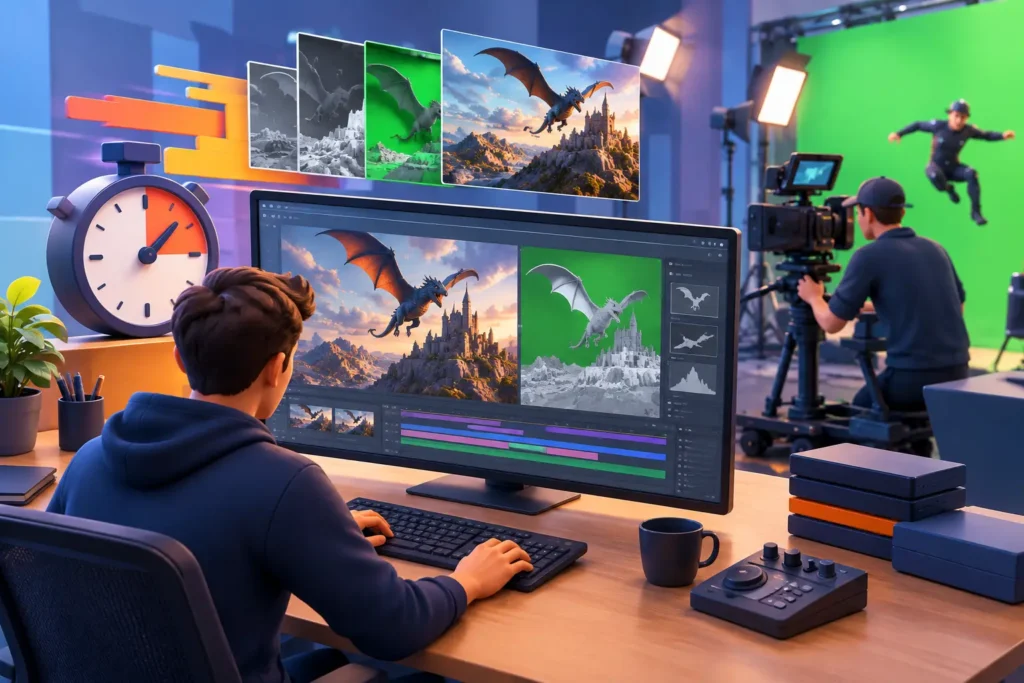
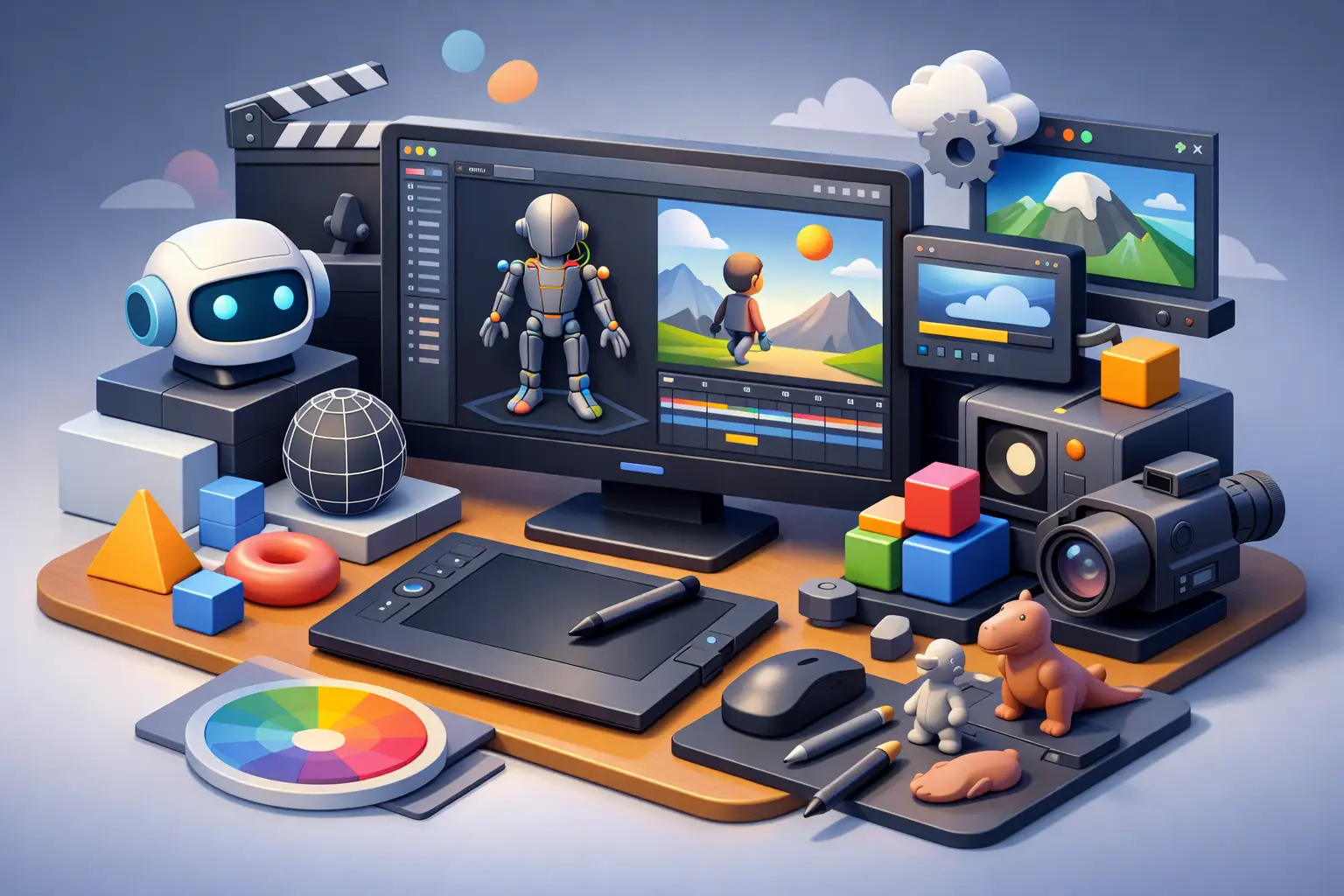
A delayed animation project rarely fails because one artist lacks talent. It fails when assets are hard to find, feedback gets buried in email, shots move forward without approved dependencies, or rendering becomes an end-of-week surprise. The best 3d animation pipeline tools solve these operational gaps by giving production teams a clear, traceable path from brief to final delivery.
For brands, studios, and production houses, the right software stack is not about buying every well-known application. It is about building a workflow that protects quality, keeps stakeholders informed, and gives internal teams and outsourced artists the same source of truth. The best choice depends on project scale, creative requirements, security needs, and how frequently external capacity is involved.
What the Best 3D Animation Pipeline Tools Must Do
A production pipeline connects creative work with project control. At a minimum, it should organize assets, track shot status, manage approvals, support version control, and move approved files into rendering, compositing, and final delivery without confusion.
The strongest pipelines also make bottlenecks visible early. A producer should be able to see whether a character is waiting for rigging, whether an animation pass is pending client review, or whether a scene is ready for final lighting. That visibility matters when marketing launch dates, broadcast schedules, or architectural presentations cannot move.
For outsourced production, consistency is equally critical. A distributed team needs clear naming conventions, approved reference files, technical specifications, review deadlines, and defined handoff points. Software can support those standards, but it cannot replace them. The most effective pipelines combine capable tools with documented processes and accountable production management.
Production Tracking and Asset Management
Autodesk Flow Production Tracking
Autodesk Flow Production Tracking, formerly ShotGrid, remains a leading option for complex animation, visual effects, and film workflows. It is designed around entities that production teams already use: assets, shots, tasks, versions, artists, and approvals. This makes it especially useful when a project has many connected departments and frequent client review cycles.
Its major advantage is depth. Teams can create detailed task templates, track dependencies, assign work, and review progress at the shot level. It is a strong fit for studios managing episodic content, cinematic sequences, or high-volume product animation where reporting and accountability are essential.
The trade-off is setup effort. Flow Production Tracking is not a casual plug-and-play tool. It performs best when a producer or pipeline specialist configures statuses, fields, permissions, and workflow rules around the actual production process. For smaller projects, that level of administration can be more than the job requires.
ftrack
ftrack is a practical production-management choice for teams that need structured tracking with a more accessible interface. It supports task scheduling, media review, asset organization, and collaborative production oversight. Its flexibility can work well for animation studios, creative agencies, and distributed teams handling multiple client accounts.
For a company working with an external 3D partner, ftrack can provide a clear review environment without forcing every stakeholder to work inside a highly technical production database. It is often a good middle ground between spreadsheet-based coordination and enterprise-level pipeline customization.
Kitsu
Kitsu is built for animation production and focuses on clear task management, shot tracking, and artist-friendly collaboration. Its straightforward structure can make it appealing to small and mid-sized studios that need better visibility without a lengthy implementation process.
Kitsu is particularly useful when a team wants to standardize a production workflow quickly. However, organizations with highly specialized asset structures, extensive custom integrations, or advanced reporting requirements may find a more configurable platform better suited to their needs.
Core 3D Creation Tools
A production tracker does not create the work. The creative pipeline still depends on the right modeling, rigging, animation, texturing, and simulation software for the job.
Autodesk Maya remains a standard choice for character rigging and animation, particularly in film, television, games, and high-end commercial work. Its mature rigging capabilities, broad plugin ecosystem, and familiarity among professional artists make it valuable for projects that require sophisticated character performance.
Blender offers an increasingly capable alternative for modeling, animation, rendering, and general 3D production. Its open-source model can reduce licensing costs and make it attractive for flexible teams. It is a strong option for many commercial, product, and visualization projects, although studios should assess plugin compatibility, client requirements, and the skills of their existing artist network before standardizing around it.
Houdini is often the best choice when procedural workflows, simulations, and complex effects drive the scope. It excels in areas such as destruction, particles, smoke, fluid effects, and scalable environment generation. That power comes with a steeper learning curve, so it is most cost-effective when the project genuinely benefits from procedural control rather than simple one-off effects.
For materials and texture work, Adobe Substance 3D Painter and Substance 3D Designer are common pipeline tools. They support detailed surface development and repeatable material creation, helping product visualization, architectural rendering, and realistic animation maintain consistent visual quality across multiple assets.
Real-Time, Rendering, and Post-Production
Unreal Engine has changed how many teams approach previs, virtual production, architectural visualization, and real-time presentations. It allows stakeholders to review lighting, cameras, environments, and motion earlier in the process. For product campaigns or property marketing, that faster iteration can reduce the cost of late-stage changes.
Real-time tools are not automatically the right answer for every project. A photorealistic final output may still require an offline renderer, specialized lighting work, or compositing for the intended look. Teams should decide whether Unreal Engine is being used for final pixels, rapid previs, interactive delivery, or a combination of these purposes.
For traditional rendering, Arnold, V-Ray, and Redshift are widely used choices. Arnold is closely associated with Maya-based character and film workflows. V-Ray is a familiar option for architectural visualization and photorealistic product rendering. Redshift is valued for GPU-accelerated rendering where speed is a priority. The right renderer should match the project’s quality target, hardware resources, lighting demands, and existing scene workflow.
Nuke remains a professional standard for node-based compositing, especially where layered renders, visual effects integration, cleanup, color adjustments, and precise control are required. Adobe After Effects may be more efficient for motion graphics, editing support, and simpler compositing tasks. Treating them as interchangeable can create unnecessary expense or limit creative control.
Review, Approval, and Communication Tools
A review platform should allow clients and internal stakeholders to comment directly on frames, shots, or versions. Frame-accurate notes reduce the common problem of vague feedback such as, “The movement feels off around the middle.” Tools such as SyncSketch and the review features within Flow Production Tracking or ftrack help connect comments to a specific visual moment.
This is more than a convenience. Clear approvals protect the schedule and reduce revision disputes. Every project should define who can request changes, who provides final approval, how many revision rounds are included, and when a shot is considered locked.
Communication platforms such as Slack or Microsoft Teams can support day-to-day coordination, but they should not become the primary archive for production decisions. Critical approvals, version notes, and delivery instructions belong in the project tracking or review system where the full team can find them later.
Render Farm and Automation Tools
Rendering is a pipeline stage with direct budget and schedule consequences. Deadline is widely used for managing render jobs across local infrastructure and cloud-connected resources. OpenCue is another option for teams with technical expertise and a need for customizable render management.
The tool matters, but render planning matters more. Teams should test scenes early, estimate frame times, confirm output settings, and identify heavy assets before final animation is complete. A reliable render workflow includes quality checks for missing textures, incorrect frame ranges, broken caches, and color-management problems before hundreds or thousands of frames are processed.
Automation can further reduce production risk. Scripts and pipeline integrations can create project folders, publish approved assets, validate file names, transfer renders, and notify producers when a task changes status. These improvements are most valuable when they remove repetitive errors rather than adding technical complexity for its own sake.
How to Select the Right Pipeline Stack
Start with the work, not the software. A short product animation with a small approval group needs a different stack than a 10-episode animated series or a medical visualization project requiring strict accuracy and documented review.
Assess the number of assets and shots, expected revision volume, delivery format, collaboration locations, security expectations, and whether the team will scale with outsourced artists. Then choose a production tracker that matches that complexity, creative tools that your talent can use effectively, and review processes that give clients fast, specific visibility.
3D Modeling Animation Studio approaches pipeline selection as part of production planning, not as a separate technology decision. An expert outsourced team should be able to work within a client’s established system or recommend a clear workflow that keeps assets, milestones, feedback, and final deliverables under control.
The most valuable pipeline is the one your team will actually follow when deadlines tighten. Choose tools that make the next approved step obvious, preserve creative standards, and give every stakeholder confidence that the final visual will arrive ready for use.