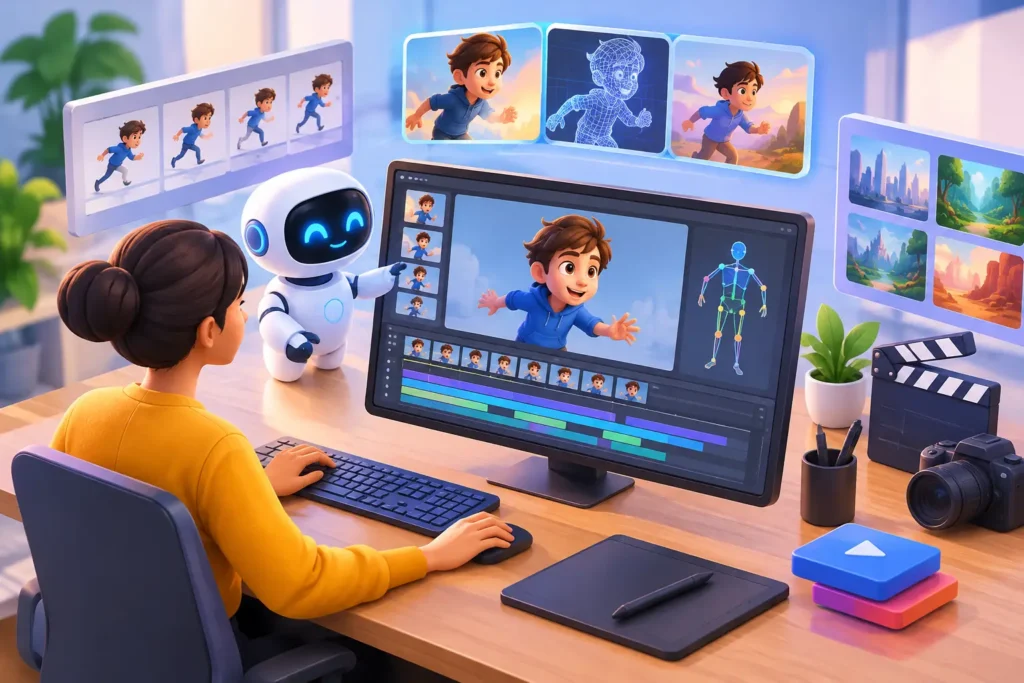
A product launch is six weeks away, the internal design team has approved the direction, and the animation still needs to look polished enough for a major campaign. That is where AI assisted animation trends are becoming commercially relevant. The value is not a button that produces a finished film. It is the ability to reduce repetitive production work, test creative options earlier, and give skilled artists more time for the decisions that determine whether a visual actually performs.
For brands, agencies, production houses, and studios, the question is no longer whether AI will affect 3D workflows. The practical question is where it can improve speed without weakening visual consistency, technical accuracy, or control over intellectual property. The strongest production teams are treating AI as an assisted layer inside a disciplined pipeline, not as a replacement for creative direction.
Why AI is changing animation production
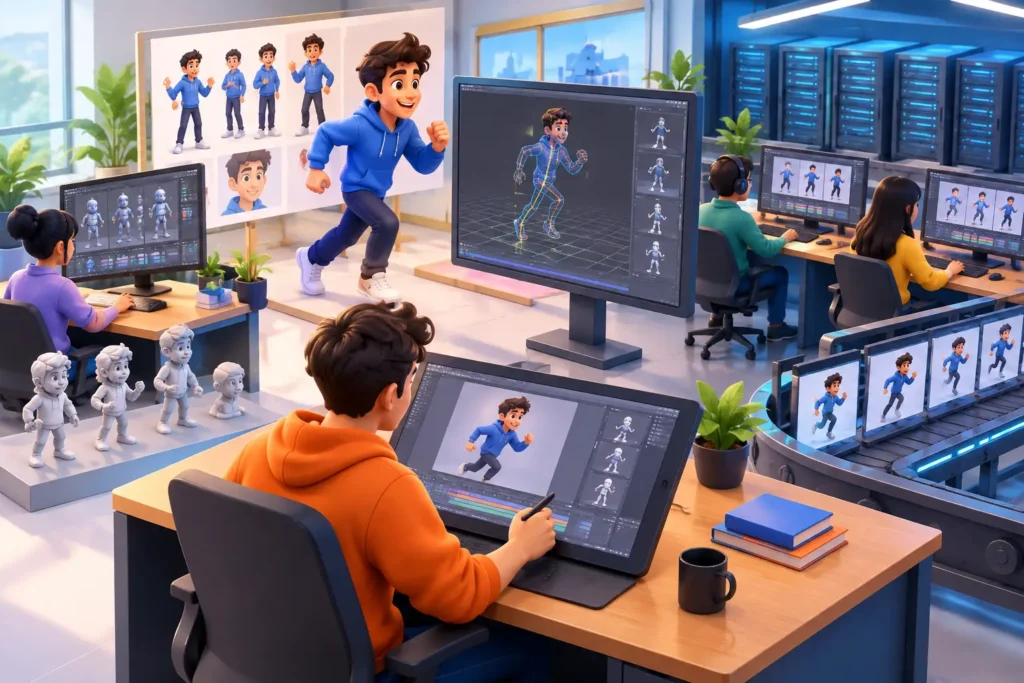
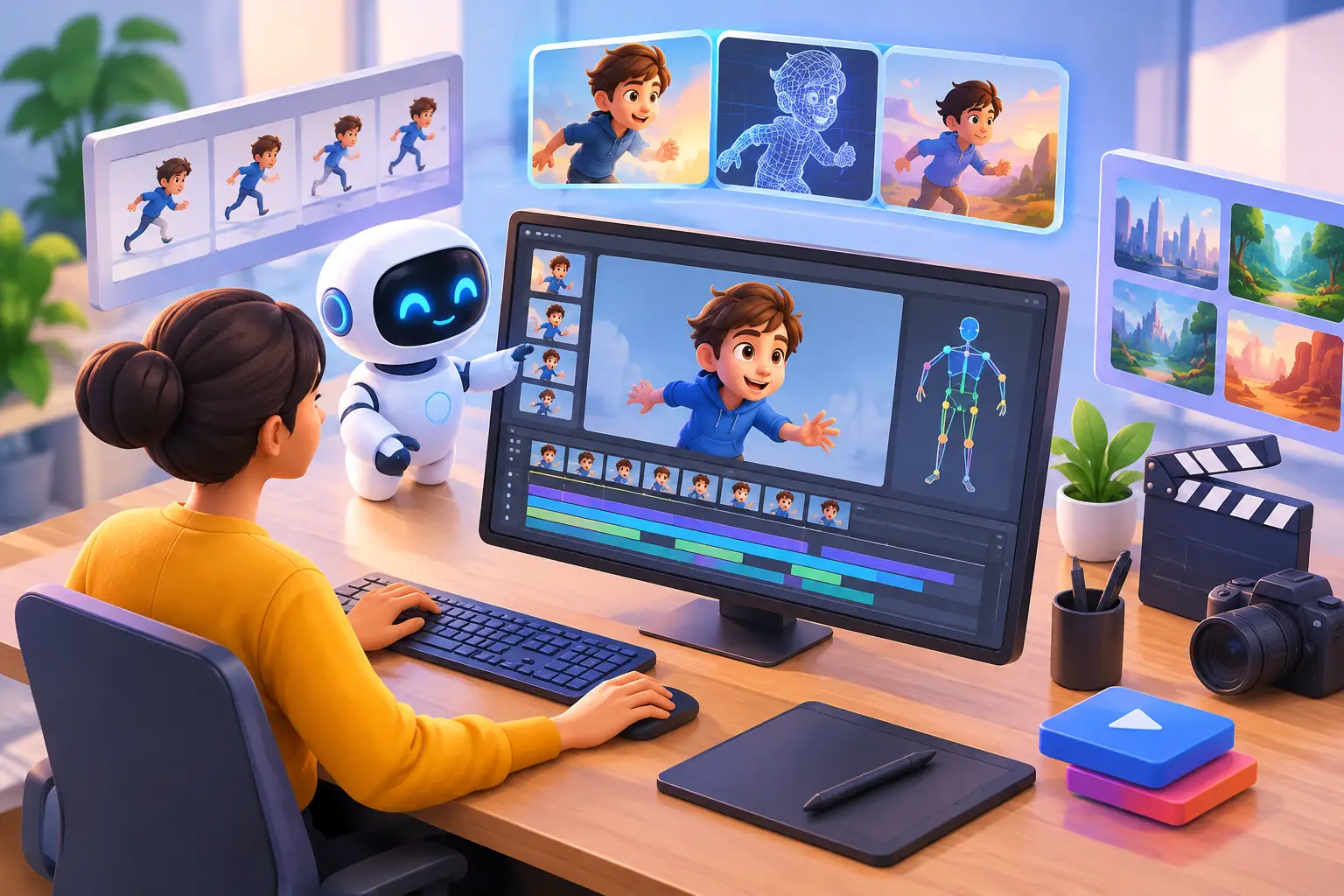
Traditional animation pipelines depend on a long chain of connected tasks: concept development, modeling, UV work, texturing, rigging, layout, animation, lighting, rendering, compositing, and revisions. Some tasks demand deep artistic judgment. Others are highly repetitive but still essential to a clean final result. AI is making its biggest impact in the second category while also giving creative teams faster ways to evaluate ideas.
This shift matters most when timelines are tight or production demand fluctuates. A marketing department may need a hero product film, short social cutdowns, alternate colorways, and localized versions at the same time. A studio may need extra capacity for environment work, motion cleanup, or rendering without hiring permanent staff. AI-supported workflows can help teams move faster, but only when the work is properly planned and reviewed by experienced specialists.
AI assisted animation trends to watch
Faster concept development and previsualization
The earliest production stages are becoming more iterative. AI image and video tools can help generate visual references, rough style directions, storyboard frames, and simple animatics. Used well, they help clients react to a proposed camera angle, mood, product setting, or story beat before a team commits significant time to full 3D production.
The limitation is consistency. Early AI concepts can look convincing as isolated images while failing to hold up across multiple shots. A character may change proportions, a product may lose accurate details, or lighting logic may shift from frame to frame. For that reason, concept generation should inform the creative brief and shot plan, not replace approved design assets or production-ready storyboards.
Smarter support for modeling and environments
Text-to-3D generation, photogrammetry assistance, automated retopology, and material suggestions are speeding up certain asset-building tasks. These tools are particularly useful for background props, early blockouts, terrain, set dressing, and exploratory environment concepts. In architectural visualization, they can accelerate studies of mood, composition, and surrounding context. In entertainment, they can provide a fast starting point for large-scale scene development.
They are less dependable for hero assets that must meet strict specifications. A medical device, consumer product, engineered component, or branded vehicle requires exact geometry, controlled materials, and reliable topology. A generated mesh may look acceptable in a test render yet create problems during close-up animation, manufacturing review, or downstream revisions. Expert modeling remains essential when accuracy is part of the message.
Motion cleanup, facial work, and assisted keyframing
Motion capture has long helped teams create believable movement efficiently. AI is now improving the process around it by helping clean noisy data, identify body poses, retarget movement between rigs, and generate first-pass facial or lip-sync animation. For dialogue-heavy content, this can reduce the manual effort involved in getting a character to an editable starting point.
First pass is the key phrase. Strong animation still depends on timing, weight, intent, silhouette, and appeal. An automated result may contain the correct words and basic movements but miss the performance. A product demonstration may need a precise hand gesture. A medical animation may need motion that clearly communicates a procedure. A film character may need a pause or glance that carries emotional meaning. Animators remain responsible for shaping those moments.
More efficient versioning and content adaptation
One of the most useful AI assisted animation trends is not visible in a final render at all. It is production intelligence. Teams can use AI-supported tools to organize reference material, summarize feedback, identify recurring revision themes, generate rough shot descriptions, and assist with asset tagging. This reduces administrative friction across a large project.
The business impact can be significant. When a campaign requires multiple aspect ratios, language versions, retailer-specific end cards, or region-specific product details, production teams need a reliable way to manage variants. AI can support faster adaptation, but a controlled approval process is still necessary. A small mistake in pricing, product labeling, safety information, or localization can outweigh the time saved.
Human control remains non-negotiable
AI can accelerate work, but it does not own the creative brief, verify brand compliance, or take responsibility for final delivery. Those responsibilities stay with producers, art directors, technical directors, animators, and quality-control teams. The more specialized the project, the more important this becomes.
Medical, architectural, and technical product animation require more than attractive imagery. They require accurate information, clean geometry, appropriate camera framing, and clear visual communication. In these sectors, an AI-generated shortcut that introduces an incorrect component, impossible motion, or misleading representation is not a minor issue. It can compromise trust in the entire asset.
There are also practical legal and security considerations. Clients should know where source files are stored, how reference materials are handled, whether tools are trained on external data, and who has the right to use the final assets. A capable production partner establishes these rules before work begins instead of treating them as an afterthought.
What AI means for outsourced animation teams
For companies that outsource 3D work, AI expands the value of a flexible production partner. The right external team can combine AI-assisted efficiency with experienced human execution across modeling, rigging, animation, lighting, post-production, and delivery. This creates scalable support without forcing a client to build and manage every specialist role internally.
The best choice is not necessarily the studio using the most AI tools. It is the studio that knows which tasks benefit from automation and which require hands-on craft. A fast environment blockout can be useful. An unverified hero model is not. Automated lip-sync can reduce setup time. It should not bypass performance review. Efficient output matters only when it also meets the visual and technical standard of the project.
At 3D Modeling Animation Studio, that balance supports a service model built for changing production demands. Projects can receive the right level of support, from individual 3D assets to complete animation and post-production pipelines, while maintaining clear review points and accountable delivery.
Questions to ask before adopting AI-assisted workflows
Before approving an AI-supported production process, clients should ask how the technology affects the specific deliverable. A short social animation, a cinematic character sequence, a product launch film, and a surgical visualization do not carry the same risks or require the same degree of precision.
Start with the source material. Confirm whether the project needs exact CAD-based geometry, approved brand assets, regulated content review, or confidential product information. Then define where AI can assist: ideation, reference gathering, asset preparation, motion cleanup, language adaptation, or internal project coordination. This keeps the workflow focused on measurable production benefits rather than novelty.
It is also worth establishing approval gates early. Clients should review key creative and technical milestones such as the storyboard, style frames, modeled asset, animation blocking, lighting approach, and final composite. These checkpoints prevent an efficient workflow from moving quickly in the wrong direction. They also make revision cycles more predictable for everyone involved.
Finally, ask who is accountable for quality. A production partner should be able to explain its review process, file-management standards, revision policy, and delivery specifications in plain language. AI may assist the work, but responsibility for the result should never be automated away.
The most effective use of AI in animation will be measured, not flashy. When it is applied to the right tasks and guided by experienced artists, producers, and technical specialists, it gives teams more room to focus on the visual decisions that make a project clear, credible, and worth remembering.