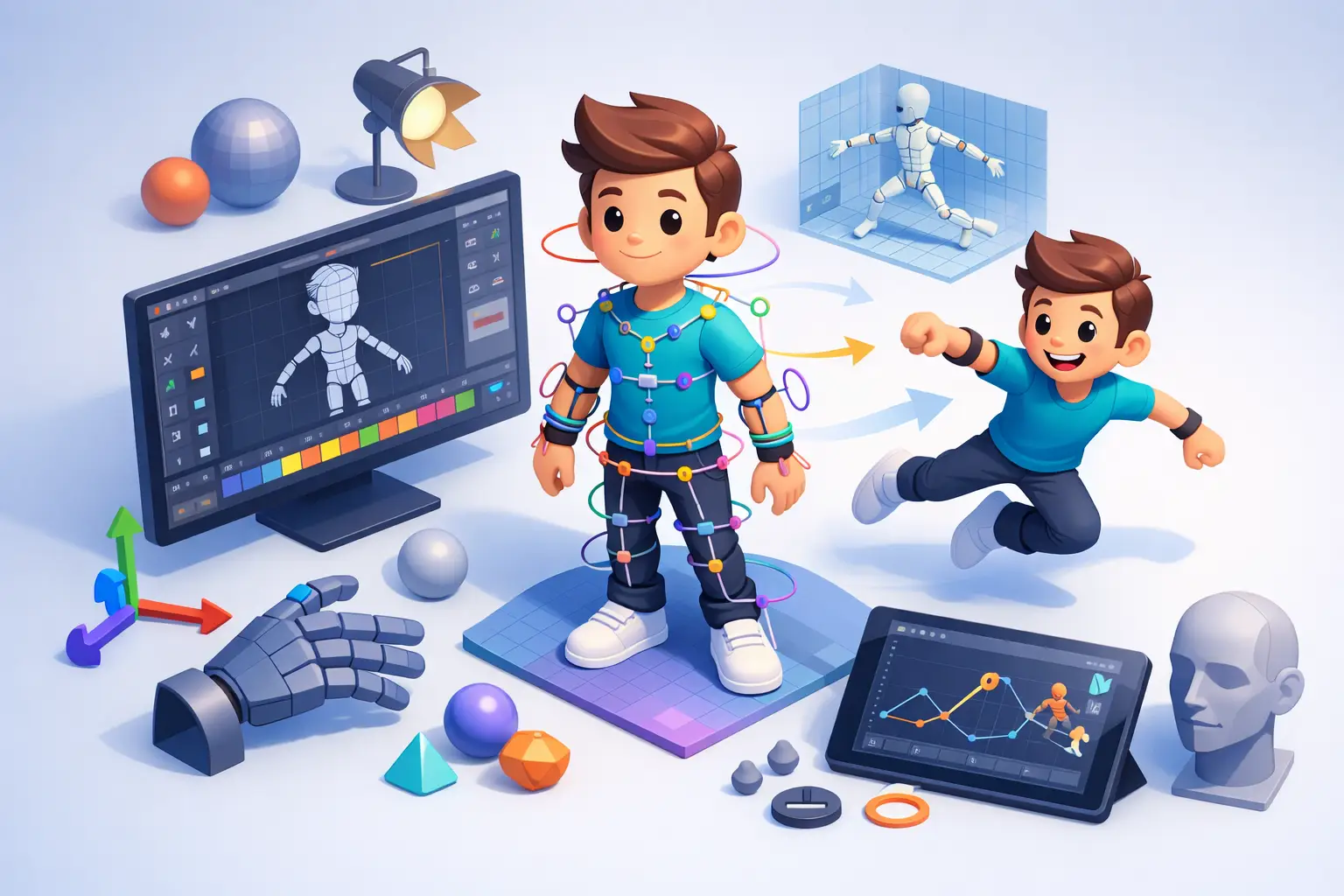
A character can have excellent modeling, detailed textures, and cinematic lighting, yet still feel lifeless the moment it moves. The reason is often hidden beneath the surface: the rig. Understanding how rigging improves character animation helps production teams make better decisions before animation begins, protect their schedules during revisions, and achieve movement that supports the intended story, brand, or product message.
For studios and businesses commissioning 3D work, rigging is not just a technical setup between modeling and animation. It is the system that determines how efficiently a character can perform. A well-built rig gives animators reliable controls for facial expressions, body mechanics, cloth behavior, and secondary movement. A weak rig turns even simple changes into time-consuming fixes.
How Rigging Improves Character Animation at Every Stage
Rigging creates the digital skeleton, control system, and deformation logic that allow a 3D character to move. Bones establish the structure. Skinning connects the character mesh to that structure. Controllers give animators an accessible way to pose, rotate, stretch, and refine the performance without manually manipulating the underlying technical components.
The value becomes clear when a character needs to do more than stand in a neutral pose. It may need to walk, lift a product, react to a medical procedure, speak to camera, or perform a complex action sequence. The rig translates those creative requirements into controls an animator can use repeatedly and predictably.
A production-ready rig also separates animator-friendly controls from the technical hierarchy beneath them. Instead of selecting dozens of joints to pose an arm, an animator can use a hand controller to position the wrist, orient the palm, and manage finger poses. This reduces friction in the creative process and lowers the risk of breaking the scene.
Better posing creates stronger performances
Character animation depends on clear poses. Whether the project calls for realistic acting, stylized movement, or a clean product demonstration, the audience needs to understand a character’s intention at a glance. Rigging gives animators the control needed to shape silhouettes, shift weight, direct eye lines, and create expressive timing.
For example, a properly configured spine rig lets an animator bend, twist, and compress the torso while preserving believable volume. A flexible neck and head setup supports subtle changes in attention and emotion. Facial controls make it possible to coordinate brows, eyelids, cheeks, lips, and jaw movement rather than treating the face as a single rigid object.
These details matter commercially. In a product campaign, a believable hand grip can make an interaction look credible. In a training video, a character’s posture can communicate confidence or caution. In film and television work, small facial adjustments often carry more emotional weight than broad gestures.
Controlled deformation keeps the model believable
A character mesh must bend when joints rotate, but it cannot simply fold like a sheet of paper. Shoulders, elbows, knees, hips, and fingers require carefully managed deformation to retain shape and avoid visible pinching, collapsing, or stretching.
This is where skin weights, corrective shapes, and deformation testing become central to quality. A rigger assigns how much influence each joint has over nearby parts of the mesh. Corrective blend shapes can repair challenging areas when a limb reaches an extreme pose. The goal is not to eliminate every deformation limitation, because every model and schedule has practical constraints. The goal is to make the character hold up under the movements required by the script.
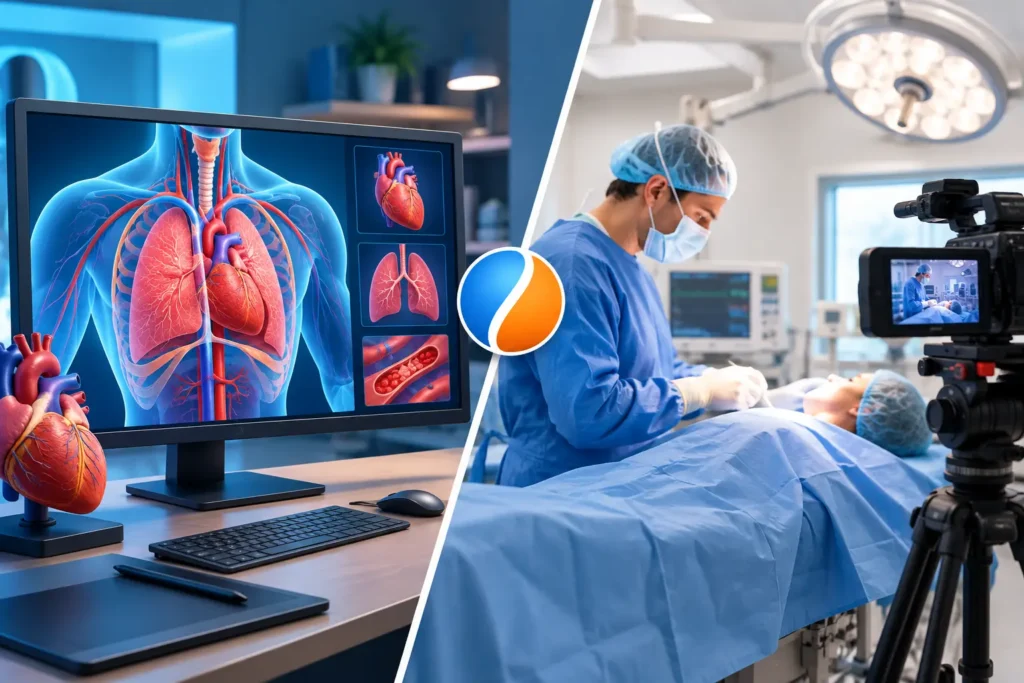
A realistic human character needs more detailed anatomical behavior than a stylized mascot. A medical animation may require precise joint limits and clean anatomical transitions. A cartoon character may intentionally stretch and squash beyond realistic proportions. The rig should reflect the intended visual style and shot requirements, not apply the same setup to every project.
Faster Animation, Revisions, and Version Control
Production efficiency is one of the strongest reasons to invest in capable rigging. Animation rarely follows a straight line. Clients revise messaging, creative directors adjust performance, and editors change shot lengths. If a rig is difficult to use, every revision becomes more expensive.
A clean control setup allows an animator to revise a pose, retime an action, or update a facial expression without rebuilding the entire shot. Features such as pose libraries, space switching, inverse kinematics, and forward kinematics help teams work faster while keeping motion consistent across scenes.
Inverse kinematics, commonly called IK, is useful when a character’s hand or foot needs to remain planted. An animator can position the hand on a table or keep a foot on the ground while the rest of the limb adjusts accordingly. Forward kinematics, or FK, gives direct rotational control over each joint and is often preferred for arcs, swinging motion, and expressive body mechanics. Most professional character rigs support both approaches where appropriate.
For business buyers, this flexibility protects the project timeline. A revised product position, new dialogue line, or updated camera angle should not force a full technical rebuild. The earlier a team identifies required actions and shot complexity, the more effectively the rig can be designed for change.
Consistency across shots and animators
Large productions often involve multiple animators, scenes, and rounds of review. Without standardized rig controls, characters can drift in quality from one shot to the next. One animator may find a workaround for a shoulder limitation while another handles the same action differently. The result is inconsistent movement and more cleanup during final production.
A well-documented rig gives every animator the same functional language. Standard controls, logical naming, predictable limits, and tested presets make it easier to maintain continuity. This matters especially for episodic content, branded character campaigns, and projects that require additional shots after the initial delivery.
Rigging also supports scalable outsourced production. An external animation team can integrate more reliably when assets are organized and controls behave as expected. For companies managing fluctuating workloads, that structure makes it easier to add capacity without sacrificing technical standards.
The Rig Must Match the Production Need
More controls do not automatically mean a better rig. An overloaded control panel can slow animators down, increase training time, and introduce unnecessary complexity. The right rig is built around what the character must do on screen.
A background character in an architectural walkthrough may only need basic body movement and limited facial controls. A hero character in a commercial may need detailed facial acting, hand articulation, dynamic props, costume controls, and shot-specific corrections. A game-ready rig may prioritize runtime performance and engine compatibility, while a film-quality rig can use more complex deformations because it will be rendered offline.
Before rigging starts, an experienced production team should clarify the character’s role, target platform, expected actions, camera distance, number of shots, and likely revision cycle. These decisions affect budget and timeline, but they also prevent costly mismatches later. Building a lightweight rig for a performance-heavy character creates restrictions. Building a highly complex film rig for a simple explainer can consume resources without improving the final result.
Quality Control Happens Before Animation Begins
Rig testing is a production requirement, not an optional polish pass. A rigger should test extreme poses, walk cycles, hand contacts, facial expressions, mirrored actions, and interactions with props before the asset reaches the animation team. Test scenes reveal whether controls are intuitive and whether the mesh maintains its quality under realistic use.
Feedback from animators is equally valuable. Rigging and animation are connected disciplines: riggers build the system, while animators reveal how that system performs under real shot demands. A strong workflow allows time for this exchange instead of treating the rig as a one-time technical handoff.
At 3D Modeling Animation Studio, this production mindset helps align character rigging with the animation, rendering, and post-production requirements of the full project. The result is not simply a character that can move. It is an asset designed to perform reliably within the client’s timeline, review process, and visual standard.
The best time to protect animation quality is before the first keyframe is set. When rigging is planned around the story, the character, and the real demands of production, every later creative decision becomes easier to execute.