A delayed approval can cost more than a missed comment. When feedback arrives after animation has moved into lighting, rendering, or compositing, a small creative change can trigger hours of avoidable rework. A defined 3D animation approval workflow gives every stakeholder a clear point to review, approve, and move the project forward with confidence.
For brands, production houses, and internal marketing teams, the objective is not to add more meetings. It is to make decisions earlier, protect production time, and ensure the final asset reflects the commercial goal, visual standard, and technical requirements agreed at the start.
Why Animation Approvals Need Production Discipline
3D animation is built in connected stages. A decision about camera framing affects layout. A character proportion change may affect rigging and animation. A late product-label correction can require new textures, renders, and post-production work. Without controlled approvals, projects can appear to be moving quickly while quietly accumulating risk.
A reliable workflow separates creative exploration from production commitment. Clients still have room to shape the work, but they do so at the stages where changes are efficient. Once a stage is approved, the team has a documented baseline for the next step.
This matters even more when work is outsourced. An external animation partner may be coordinating modelers, riggers, animators, lighting artists, compositors, and project managers across locations. Clear approvals keep everyone working from the same version, reduce conflicting directions, and protect the delivery schedule.
Start With an Approval Map Before Production Begins
The strongest workflows are established during kickoff, not after the first review becomes confusing. Before assets are created, define who can request changes, who has final approval, how feedback will be collected, and what happens when a deadline passes without a response.
There should be one designated client-side decision-maker whenever possible. Multiple stakeholders can contribute feedback, but the production team should receive one consolidated set of comments. This avoids the familiar problem of one reviewer asking for a faster camera move while another requests a slower, more detailed product reveal.
At kickoff, confirm the deliverables and approval milestones. A product animation may need approvals for modeling, materials, camera direction, animation, and final render. A medical animation may require additional scientific or regulatory review. Architectural visualization may place more emphasis on material accuracy, lighting mood, and design compliance. The workflow should match the project, not force every production into the same template.
The Core 3D Animation Approval Workflow
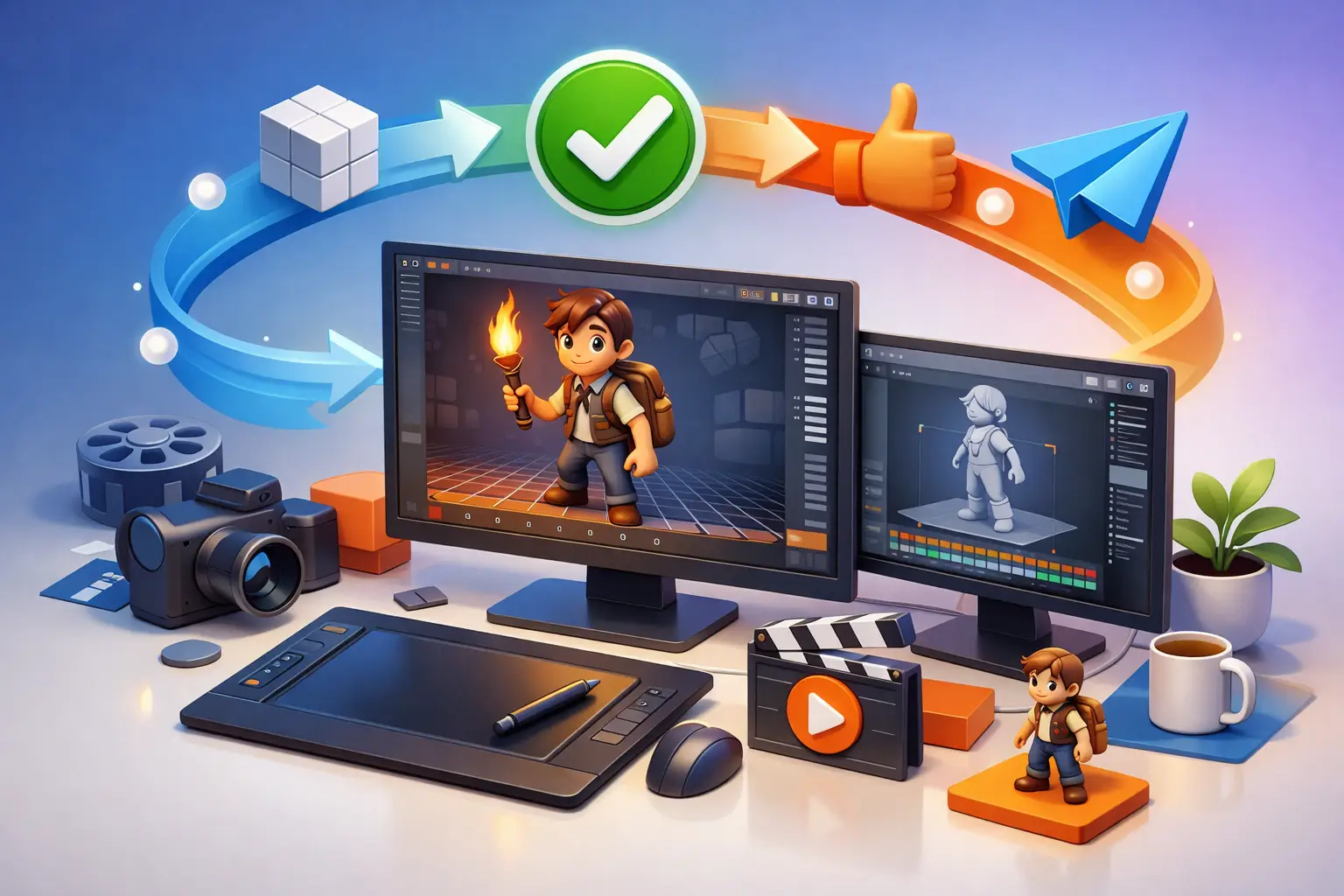
A practical workflow uses defined gates that reflect how 3D work is actually made. Each gate should answer a specific question and prevent major decisions from being pushed downstream.
Approve the Creative Brief and Technical Scope
The first approval confirms what the animation needs to achieve. This includes the target audience, key message, brand requirements, visual references, runtime, aspect ratio, output resolution, platform requirements, and delivery date.
Technical details deserve the same attention as creative direction. A 30-second social video, a trade-show loop, a broadcast commercial, and an interactive product sequence have different production needs. Confirming these requirements early prevents a polished animation from being delivered in the wrong format or without the required versions.
Review Storyboards, Scripts, and Animatics
Storyboards turn the brief into a sequence of shots. They establish narrative flow, product hierarchy, camera intent, on-screen messaging, and transitions. For some projects, especially explanatory, medical, or technical animations, the script should be approved alongside the storyboard.
An animatic adds timing. It may use rough frames, temporary motion, placeholders, and guide audio, but it answers a critical question: does the story work at the intended pace? This is the best stage to revise shot order, adjust the duration of a feature callout, or simplify a scene that does not support the message.
Approving an animatic does not mean every visual detail is final. It means the client has approved the structure, pacing, and core direction before detailed production begins.
Sign Off on Models, Environments, and Look Development
Once the sequence is established, the team develops the visual building blocks. This stage can include 3D models, character designs, environments, materials, textures, and lighting references.
For product visualization, reviewers should check silhouette, dimensions, finishes, labels, logos, and color accuracy. For architectural work, they should verify design intent, furnishings, materials, landscaping, and key viewpoints. In character-based animation, the focus may be facial design, wardrobe, proportions, and rig-ready construction.
A useful look-development approval compares the work against approved references rather than relying on broad comments such as “make it more premium.” Specific direction produces faster results: increase surface reflectivity, warm the key lighting, reduce the texture scale, or match the approved brand color values.
Approve Blocking Before Final Animation
Blocking is where motion, staging, camera placement, and timing begin to take shape. Characters may move in simple poses. Product components may use basic rotations and reveals. The work is not polished, but the creative decisions are visible.
This is one of the most valuable approval points in the entire process. It allows stakeholders to assess whether the product is shown clearly, whether the camera supports the message, and whether the action feels believable. Changing a camera angle in blocking is efficient. Changing it after final animation, simulations, and lighting is not.
For complex sequences, the team may divide blocking approvals by shot or scene. That approach works well when one segment is technically demanding or when different subject-matter experts need to review separate parts of the animation.
Review Polished Animation and Simulation
After blocking approval, animators refine motion, timing, spacing, secondary action, and transitions. Depending on the project, this stage may also include cloth, fluids, particles, smoke, machinery, or other simulations.
Feedback at this point should focus on motion quality and clarity. Is the mechanism operating correctly? Does the character’s performance support the message? Is the product reveal long enough for viewers to understand the feature? Reviewers should avoid reopening already approved creative choices unless the new information reveals a material issue.
This is also where technical accuracy matters. In medical, industrial, and engineering animation, subject-matter reviewers should confirm that movements, assembly steps, and visual explanations are accurate before the project advances to final rendering.
Approve Lighting, Compositing, and Final Output
The final visual review covers lighting, shadows, reflections, color treatment, compositing, graphics, sound sync, and overall finish. It should be reviewed in conditions that match the delivery channel whenever possible. A video intended for a large presentation display may require different brightness and detail choices than a mobile-first campaign asset.
Final approval should also confirm the delivery package. Check file formats, resolutions, frame rates, aspect ratios, alpha-channel needs, language versions, captions, and cutdowns. A project is not complete simply because the master animation looks good. It is complete when the client receives usable, correctly prepared assets.
Make Feedback Actionable and Easy to Track
Even a well-planned workflow can slow down if comments are vague or scattered across emails, chats, and calls. The most effective review process uses time-coded feedback tied to a specific version of the work.
Comments should identify the shot, timestamp, requested change, and reason for the change. For example, “At 00:14, hold the product close-up for one additional second so the viewer can read the feature label” gives the animation team a clear action. “The middle feels rushed” may be valid feedback, but it requires additional interpretation and can lead to unnecessary review cycles.
To keep feedback productive, establish a few practical rules:
- Consolidate all stakeholder comments before sending them to production.
- Separate required corrections from optional creative preferences.
- Refer to timecodes, shot names, or annotated frames.
- Respect the review deadline for each approval gate.
- Flag any change that affects an approved stage so scope and schedule can be evaluated.
Not every request should be treated the same way. A correction to an approved logo is necessary. A new scene added after the animatic was approved is a scope change. A professional production partner should be transparent about that distinction, including the likely impact on cost and delivery timing.
Set Revision Limits Without Limiting Collaboration
Revision rounds are necessary, but unlimited revisions are rarely helpful. They encourage delayed decisions and make it difficult to allocate artists, rendering capacity, and post-production resources effectively.
A better approach is to define the number of revision rounds included at each stage while allowing genuine errors or missed requirements to be resolved responsibly. The goal is not to restrict client input. It is to make sure input arrives when it can produce the best result with the least disruption.
For fast-moving campaigns, a shorter review window may be the right choice. For regulated, technical, or high-value brand content, additional review time may be worth the schedule investment. The right balance depends on the cost of delay versus the cost of getting a detail wrong.
What Clients Should Expect From an Outsourced Animation Team
An experienced outsourced team should make the approval process visible from the start. That includes a production schedule, named milestones, version control, review-ready previews, documented feedback, and clear communication when a requested change affects scope.
At 3D Modeling Animation Studio, production support is structured to give clients that visibility while providing access to specialized modeling, animation, rendering, and post-production talent. The result is a process that supports creative control without requiring an internal team to manage every production detail.
The best approval workflow does more than prevent mistakes. It gives decision-makers the confidence to approve work at the right moment, keeps specialists focused on the next production task, and turns a complex animation project into a controlled path toward a final asset your audience will remember.