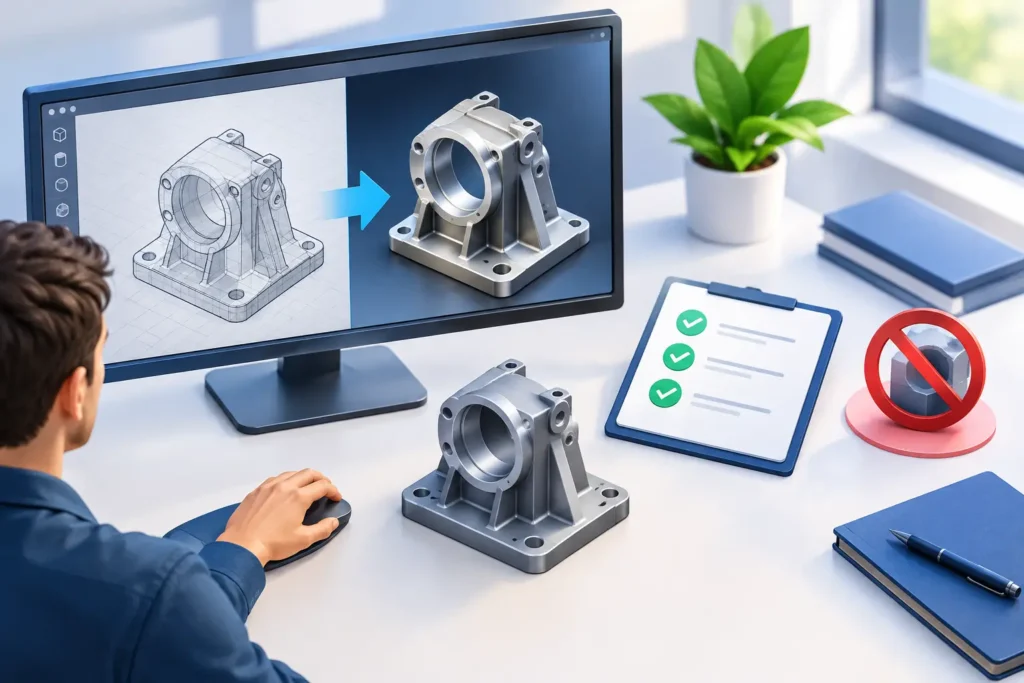
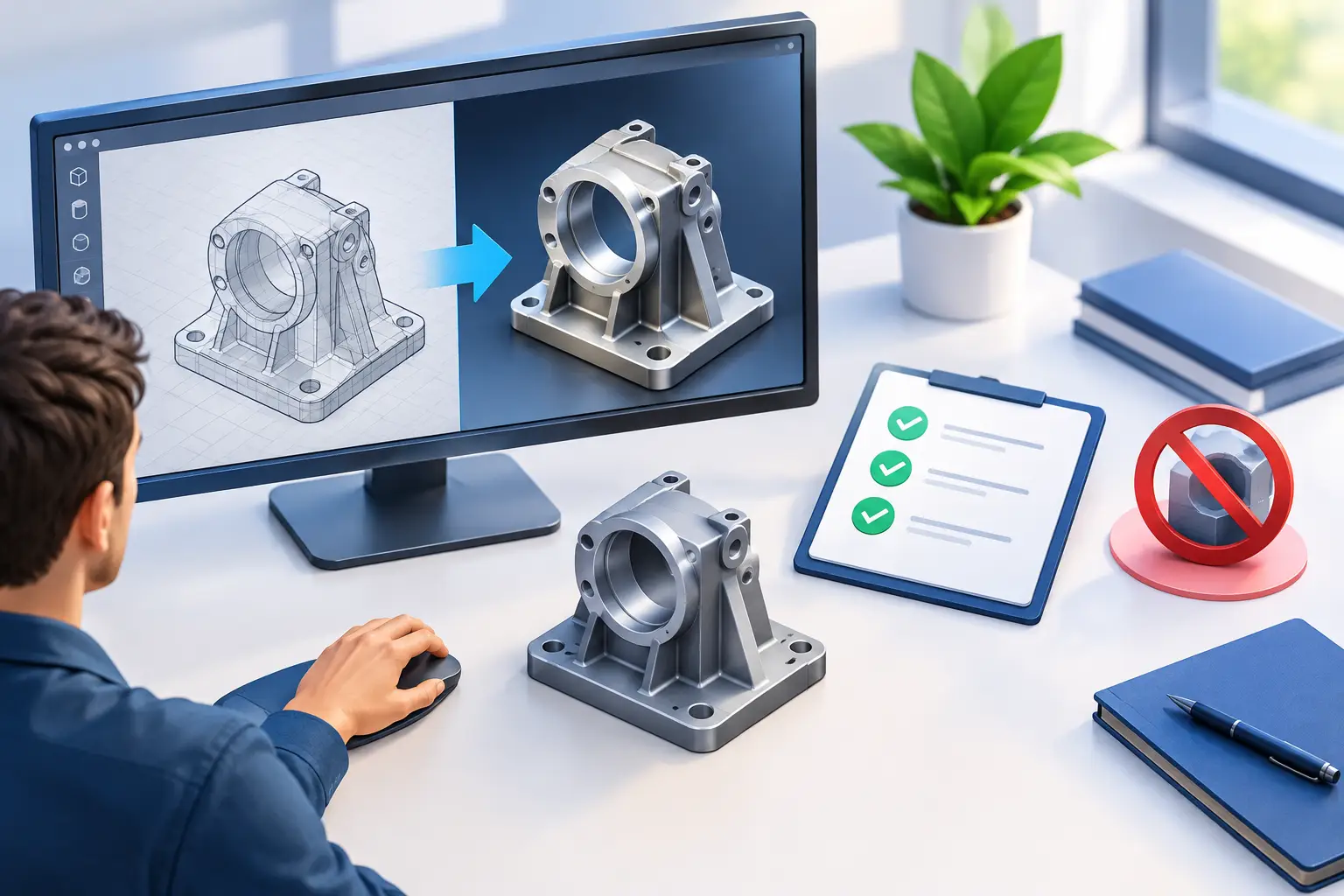
A render can fail long before an artist presses the render button. Missing reference files, nonstandard material names, incorrect scale, and unclear camera intent can turn a straightforward visualization into a cycle of revisions. Effective CAD rendering preparation prevents those issues by converting engineering or design data into a production-ready scene with a clear visual target.
For product teams, architects, and production studios, this work is not administrative cleanup. It determines whether a visual accurately represents the product, supports a campaign deadline, and remains cost-effective when multiple views, variants, or approvals are required.
What CAD Rendering Preparation Actually Includes
CAD files are built to communicate dimensions, assemblies, tolerances, and manufacturing intent. Rendering scenes are built to communicate form, material quality, scale, and mood. Those are related goals, but they demand different decisions.
Preparation begins with reviewing the source model and project brief together. The production team needs to know which components are visible, which parts can be simplified, how the product will be positioned, and what the final images or animation must accomplish. A photorealistic ecommerce image, a hero campaign visual, and a technical cutaway all require different levels of detail.
The process usually includes geometry review, file cleanup, material planning, camera and lighting direction, and output specifications. When these decisions are made early, rendering becomes a controlled production task rather than a costly experiment.
Start With a Render Brief, Not Just a CAD File
A CAD file alone does not explain the commercial purpose of the visuals. Before modeling adjustments begin, establish the intended use, audience, and deliverables. Confirm the number of views, image dimensions, required resolution, background treatment, and whether assets will also be used in animation, configurators, print, or social campaigns.
Reference images are equally valuable. They can show the desired camera angle, material finish, color treatment, lighting style, and level of realism. A reference does not need to be copied exactly, but it gives the rendering team a concrete direction and reduces subjective feedback later.
This is also the right time to identify what must be accurate. In some projects, every fastener, seam, and label needs to match the manufactured product. In others, internal components can be removed because they will never appear on camera. The right level of detail depends on the shot, not simply on what exists in the original CAD assembly.
Clean Geometry Before It Reaches the Render Stage
Engineering models often contain more information than a render needs. Tiny screws, hidden brackets, internal threads, construction geometry, duplicated parts, and dense fillets may be essential for manufacturing but can slow a scene dramatically. A capable 3D team evaluates what should remain, what should be simplified, and what should be rebuilt for visual quality.
Geometry cleanup should address broken surfaces, overlapping faces, open edges, inverted normals, and excessively dense meshes. These issues may be invisible in a CAD viewer but become obvious under studio lighting, especially on glossy plastic, polished metal, glass, and painted surfaces.
Scale and orientation also need verification. A model imported at the wrong unit scale can produce unrealistic depth of field, inaccurate displacement, or lighting that feels physically wrong. Establishing a consistent coordinate system and real-world scale keeps cameras, lights, and supporting assets predictable across the project.
For complex assemblies, organize the scene with meaningful object names and logical groups. Separate moving elements from static parts. Keep interchangeable product options clearly labeled. This structure matters even more when a single base model will generate multiple finishes, colors, configurations, or marketing angles.
Decide When CAD Detail Should Be Rebuilt
Not every CAD feature converts well into render geometry. Fine embossed text, fabric textures, knurling, stitching, and certain transparent parts may need custom modeling or shader-based detail. Rebuilding selected elements can produce a cleaner image and a more efficient scene than forcing dense engineering geometry through the pipeline.
The trade-off is time. Rebuilding is justified when the detail will appear close to camera, catch highlights, or define perceived product quality. It is less valuable for parts that remain distant, shadowed, or hidden behind an enclosure.
Define Materials With Real-World Evidence
A material name such as “black plastic” is rarely enough to create an accurate render. Is it matte, satin, soft-touch, textured, recycled, or high-gloss? Does it carry a subtle mold pattern? Does the anodized aluminum lean warm or cool? Small differences change how a product is perceived.
Provide finish callouts, physical samples, product photography, color standards, and supplier specifications whenever available. The rendering team can then build materials that respond properly to light rather than relying on generic presets. This is particularly important for products where finish quality influences purchase decisions, including consumer electronics, furniture, appliances, automotive components, and medical devices.
Material preparation should account for variation across components. A single product may combine coated metal, injection-molded plastic, rubber, glass, fabric, printed graphics, and translucent parts. Treating all dark surfaces as the same black or all metallic surfaces as the same chrome can make an otherwise accurate model look artificial.
Brand graphics deserve the same attention. Supply approved artwork in usable formats, identify exact placement, and clarify whether graphics are printed, engraved, embossed, backlit, or applied as decals. A logo that is technically present but incorrectly scaled or placed can trigger avoidable approvals delays.
Plan Cameras and Lighting Around the Deliverable
Camera setup should support the message, not simply show the whole object. A three-quarter hero view may communicate overall design and premium finish. A side profile can emphasize thinness. A macro shot may demonstrate craftsmanship. For architecture, camera height, lens choice, and sightlines influence whether a space feels believable and usable.
Set approved camera angles early, particularly when multiple product variants will share the same composition. Locked cameras make it faster to produce a consistent image family while allowing marketing teams to compare colorways or configurations without visual noise.
Lighting should be discussed in the same review. Soft studio lighting is effective for clean catalog images, while higher-contrast lighting can create a more dramatic campaign look. Neither approach is automatically better. The decision depends on the brand, product category, background, and intended channel.
For animation, CAD rendering preparation must also account for movement. Check clearances, pivot points, mechanical constraints, and component hierarchy before animation begins. A hinge that rotates from the wrong location or an assembly that intersects during movement can undermine credibility, even when the final image quality is high.
Set Output Requirements Before Rendering Begins
Final output decisions affect nearly every production choice. A rendering intended for a web product page may need a transparent background and optimized dimensions. A large-format trade show graphic needs much higher resolution. A film or broadcast workflow may require specific frame rates, color management, and image sequences rather than compressed video.
Confirm file formats, aspect ratios, color space, naming conventions, and delivery milestones at the start. If post-production will add text, motion graphics, compositing, or alternate backgrounds, plan for layered passes and masks. These assets give the post-production team control without requiring a full rerender for every small change.
A practical approval process protects the schedule. Review low-resolution clay previews to confirm geometry and camera composition. Approve material and lighting look-development next. Reserve high-resolution final rendering for scenes that have cleared those earlier checkpoints. This sequence avoids spending render time on images that are still likely to change.
Why Preparation Matters for Outsourced Production
Outsourcing can increase capacity quickly, but only when the external team receives organized inputs and clear decisions. A professional partner should not merely accept files and start rendering. They should identify missing information, flag technical risks, recommend efficient scene choices, and establish approval points that keep the project moving.
At 3D Modeling Animation Studio, this production-first approach helps clients turn CAD data into visual assets that are ready for marketing, architectural presentation, product launches, and animation workflows. The goal is not just a strong final image. It is a repeatable process that supports fast revisions, asset reuse, and consistent quality across deliverables.
CAD rendering preparation is where visual intent and technical discipline meet. Give the rendering team a clean model, clear references, accurate material information, and approved output requirements, and the final stage becomes far more predictable. That early coordination is often the difference between a render that merely looks polished and one that is ready to perform for the business.