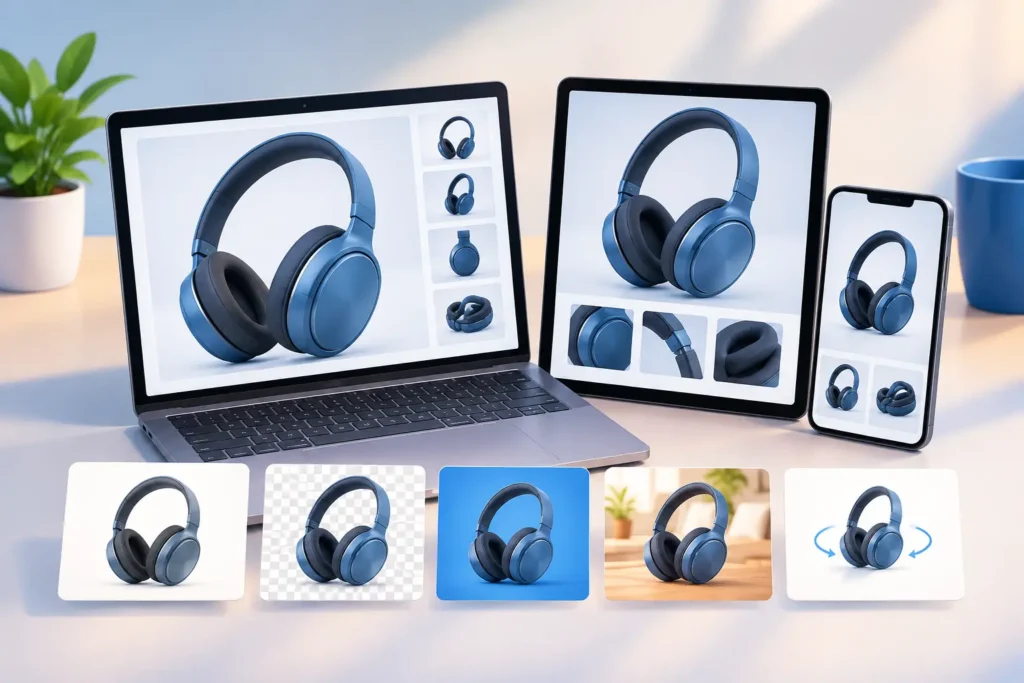
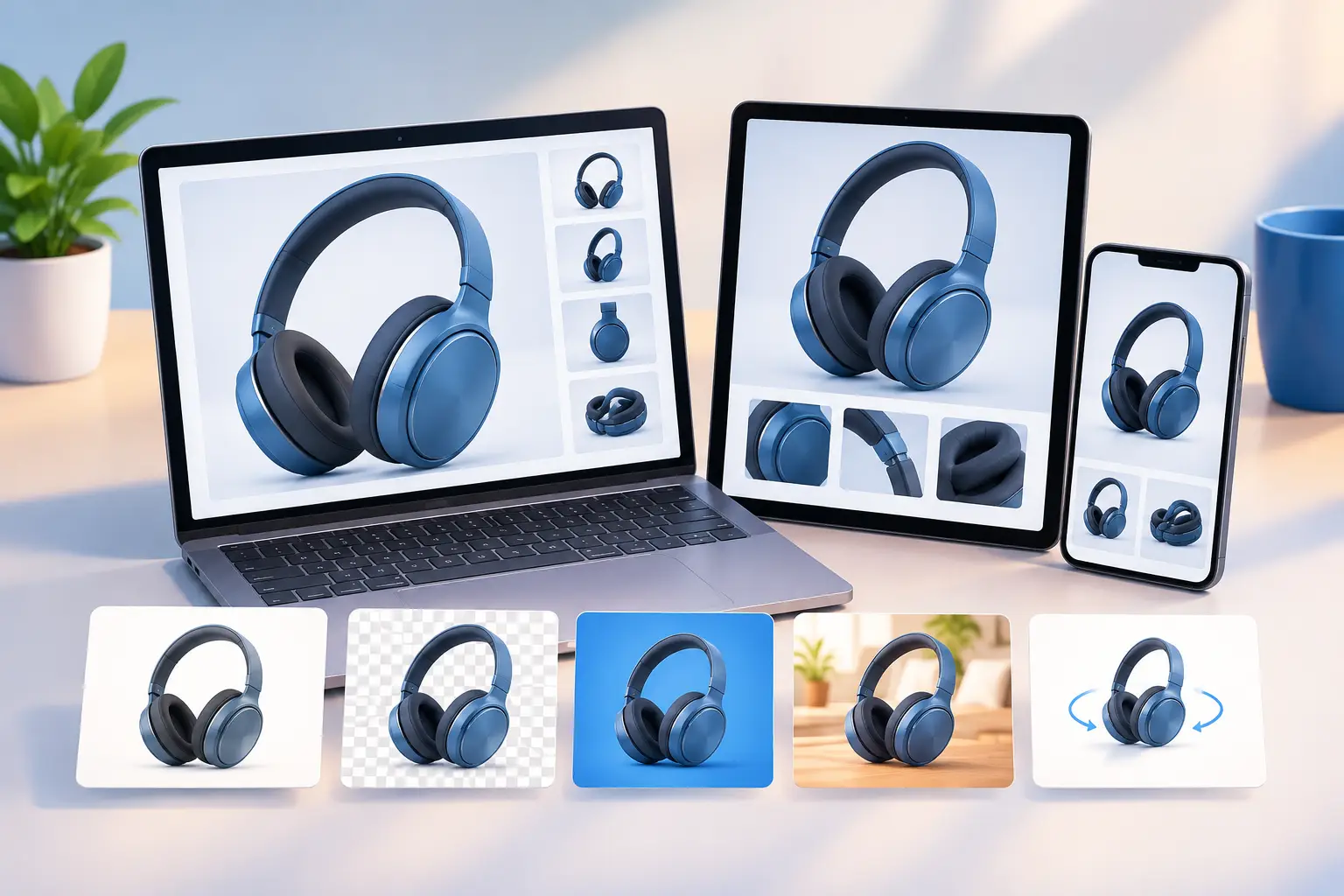
A product render can look exceptional in a review file and still fail when it reaches the campaign channel. The best formats for product renders depend on where the asset will be used, how quickly it must load, how much post-production remains, and whether the client needs a still image, motion content, or an interactive 3D model.
For marketing teams and production managers, choosing the format is not a minor technical detail. It affects visual fidelity, approval speed, web performance, ad-platform compatibility, print quality, and the cost of revisions. The right delivery plan protects the work of the 3D team while giving every downstream channel an asset it can use immediately.
Start With the Output, Not the File Type
The most efficient product visualization projects begin with a distribution plan. A luxury packaging campaign, an ecommerce product page, a trade-show display, and an AR product preview may all use the same 3D model, but they should not receive the same final file.
Ask four questions before rendering: Where will the asset appear? What resolution does that channel require? Does the image need further retouching or color correction? And who will be responsible for placing, editing, or publishing it?
A layered, high-bit-depth render is valuable for a post-production team. It is unnecessary for a paid social placement that needs a compressed file and fast mobile loading. Conversely, sending a small web JPEG to a printer can create visible artifacts, weak gradients, and poor detail at large scale.
A professional production workflow usually includes a master render for archive and finishing, plus channel-specific derivatives. This approach keeps the original quality intact while preventing teams from repeatedly converting already-compressed files.
Best Formats for Product Renders by Use Case
PNG for clean web images and transparent backgrounds
PNG is often the best choice for product renders that need transparency. It is especially useful for ecommerce product cutouts, marketplace listings, product configurator interfaces, presentations, and marketing layouts where a designer may place the product over multiple backgrounds.
Because PNG uses lossless compression, it preserves sharp edges, fine labels, and clean color transitions better than a heavily compressed JPEG. It is a strong option for products with reflective surfaces, transparent components, or precise silhouettes, such as cosmetics, electronics, medical devices, and consumer packaging.
The trade-off is file size. A large PNG can slow a product page, especially when multiple angles are loaded at once. For website delivery, PNG should be reserved for images where transparency or maximum edge quality genuinely matters. It is not automatically the best format for every web render.
JPEG for ecommerce, sales materials, and broad compatibility
JPEG remains one of the most practical formats for product renders with a fixed background. It is widely supported across ecommerce platforms, email tools, ad systems, sales portals, and presentation software. Its compression can reduce file sizes substantially while retaining strong perceived quality at sensible settings.
For white-background product images, lifestyle renders, catalog visuals, and standard web banners, JPEG is often the most efficient final delivery format. A skilled production team can optimize compression so the file remains lightweight without creating obvious blocking, banding, or texture loss.
JPEG is less suitable for images that require transparency, repeated editing, or aggressive color adjustments after delivery. Every new save can introduce more compression damage. The best practice is to keep a high-quality master and generate JPEGs only as final channel exports.
WebP for faster modern websites
WebP is a highly effective option for websites that prioritize speed. It supports both lossy and lossless compression, and it can support transparency. In many cases, a WebP product render delivers comparable visual quality at a smaller file size than JPEG or PNG.
That performance matters because slow pages can reduce engagement and weaken conversion rates. For businesses with large product catalogs, multiple image angles, or rich landing pages, WebP can lower page weight without forcing a noticeable compromise in render quality.
Still, WebP is a delivery format, not the only file a production partner should provide. Some legacy workflows, downloadable sales materials, and print teams may need JPEG, PNG, or TIFF versions. A complete package can include WebP files for the live site alongside conventional formats for internal use.
TIFF for print and high-end retouching
TIFF is built for quality-focused workflows. It is commonly used for print advertising, packaging mockups, large-format displays, editorial layouts, and professional retouching. TIFF files can preserve high resolution, detailed color information, and layers or alpha channels when required.
If a product render is headed to a magazine spread, a retail display, a billboard, or a print campaign, TIFF is often the safest handoff format. It gives designers and printers more room to manage color profiles, make corrections, and prepare the image for the final production process.
The disadvantage is size. TIFF files can be very large, which makes them impractical for web publishing and inconvenient for quick client reviews. They should be treated as production masters or print-ready assets, not general-purpose marketing files.
EXR for compositing and advanced post-production
OpenEXR, usually called EXR, is the preferred format for complex compositing workflows. It supports high dynamic range data, multiple render passes, deep color information, and extensive flexibility for lighting, reflections, shadows, masks, and color grading.
For a product campaign that will involve VFX, detailed retouching, animation, or integration with live-action footage, EXR gives the post-production team the greatest control. Instead of re-rendering a shot because a reflection needs adjustment, an artist may be able to refine the relevant pass during compositing.
EXR is not a client-facing delivery format for everyday marketing use. It requires specialized software and technical knowledge. Its value is in protecting flexibility during high-end production, particularly when visual changes are likely or multiple departments will touch the final image.
Motion and Interactive Product Render Formats
A still render cannot answer every marketing need. When a product needs to demonstrate scale, assembly, texture, operation, or premium design details, motion and interactive formats can deliver more commercial impact.
MP4 for product animation and social distribution
MP4 with H.264 or H.265 compression is the standard format for most product animation delivery. It works well for websites, social media, digital ads, presentations, retail displays, and client review. Short turntables, feature callouts, assembly sequences, and product launch films are usually delivered as MP4 files.
H.264 offers broad compatibility and remains the reliable choice when the final platform is unknown. H.265 can achieve smaller files at similar quality, but support and playback requirements should be checked before committing to it. For projects requiring transparent video, other formats may be needed, since standard MP4 workflows do not reliably preserve an alpha channel.
GLB and USDZ for interactive 3D and AR
GLB and USDZ are designed for interactive product experiences. GLB is widely used for web-based 3D viewers and can package geometry, textures, and materials into a single efficient file. USDZ is commonly used for AR experiences in Apple environments.
These formats are valuable for furniture, consumer goods, equipment, medical products, and architectural elements that buyers benefit from viewing in context. A customer can rotate a model, inspect product details, or place an item in a real room through AR.
However, interactive formats require optimization. A highly detailed production model may need reduced polygon counts, optimized textures, and carefully configured materials before it performs well on mobile devices. This is a specialized delivery task, not simply an export button at the end of a render project.
Build a Delivery Package That Supports Every Team
The best choice is rarely one format. A practical product-render package often includes a high-resolution TIFF or EXR master, JPEG or PNG files for standard marketing use, WebP files for web deployment, and MP4 or 3D assets when motion or interactivity is part of the campaign.
Naming conventions, color profiles, aspect-ratio variations, and resolution tiers should be agreed upon before production begins. A square social image, a vertical story asset, a widescreen website banner, and a print layout may require different camera framing rather than simple cropping. Planning those outputs early prevents rushed revisions after approval.
At 3D Modeling Animation Studio, our production approach is built around that kind of clarity: custom visuals are created for the channels that will actually use them, with technical specifications defined before final delivery.
The strongest product renders do more than look polished. They arrive in formats that let marketing, ecommerce, design, and production teams move forward without conversion delays, quality loss, or avoidable rework.